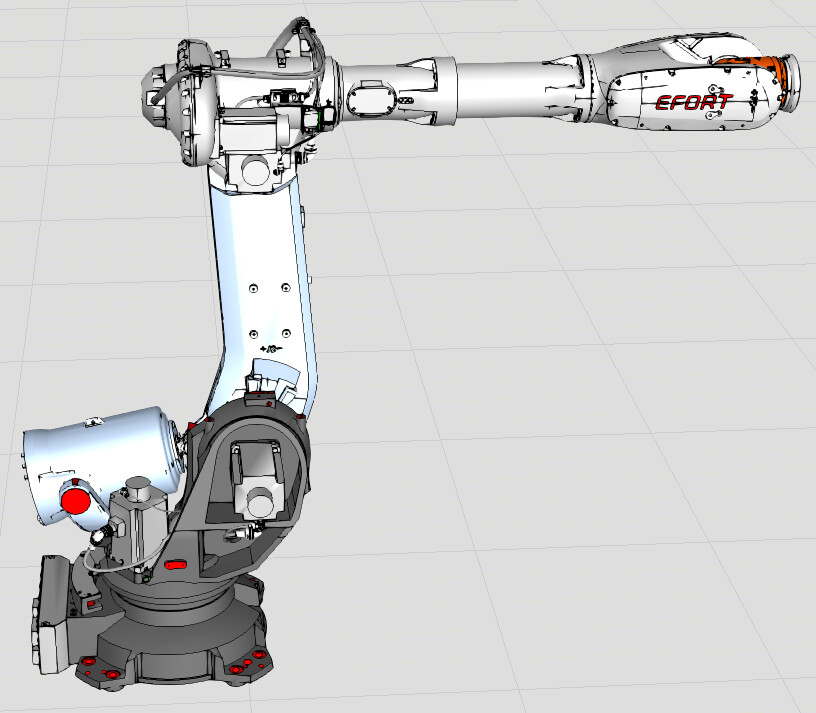
Dear teachers, I need to program the EFORT ER155-3200 model robot in the simulation environment, but the robot model library is not available. Could you please tell me how to obtain it?
Good morning,
I can confirm that ER155-3200 is not in the eCatalog library.
If your organization has a valid maintenance contract, you can post a modeling request to the Visual Components Support. The request to add a new model to eCatalog will then be processed accordingly.
If you need the model very quickly, you can quite easily model the robot yourself following the steps of this tutorial:
Model an Articulated Robot | Visual Components Academy
You can use the EFORT ER-150-3200 from eCatalog as a base model, as it has some similarities.
1 Like
Thank you very much for your reply. It is extremely helpful to me.
Dear teacher, I have followed your instructions to create the model of ER155-3200. However, I’m not sure how to make the robot’s balancing cylinder. Could you please tell me if you know?
ER155-3200.vcmx (3.0 MB)
Hello,
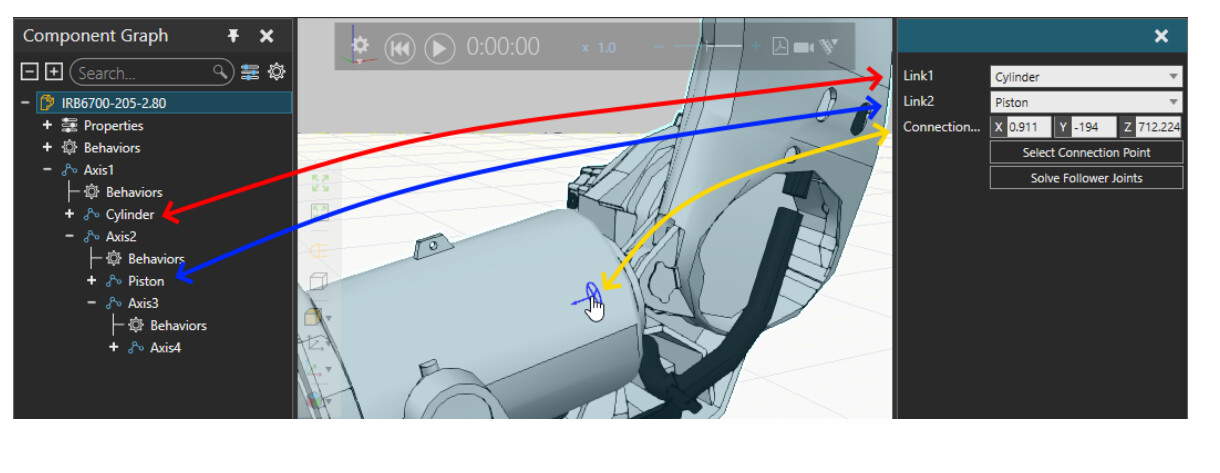
When I model balancing cylinders, I start by configuring the link nodes for the cylinder and piston: one must be under J1 and one must be under J2 in hierarchy, and the rotational axes must be in correct positions.
Then comes the tricky part: value expressions for rotational follower joints. The idea is that origins of J2, the piston and the cylinder will form a triangle.
Luckily, there is an addon that is helpful in solving the value expressions for angles of a triangle: Mechanism Wizard - Extensions and Python Add-ons / Visual Components Add-on Samples - Visual Components - The Simulation Community . The addon files include a PDF tutorial where one example shows usage with a similar balancing cylinder: