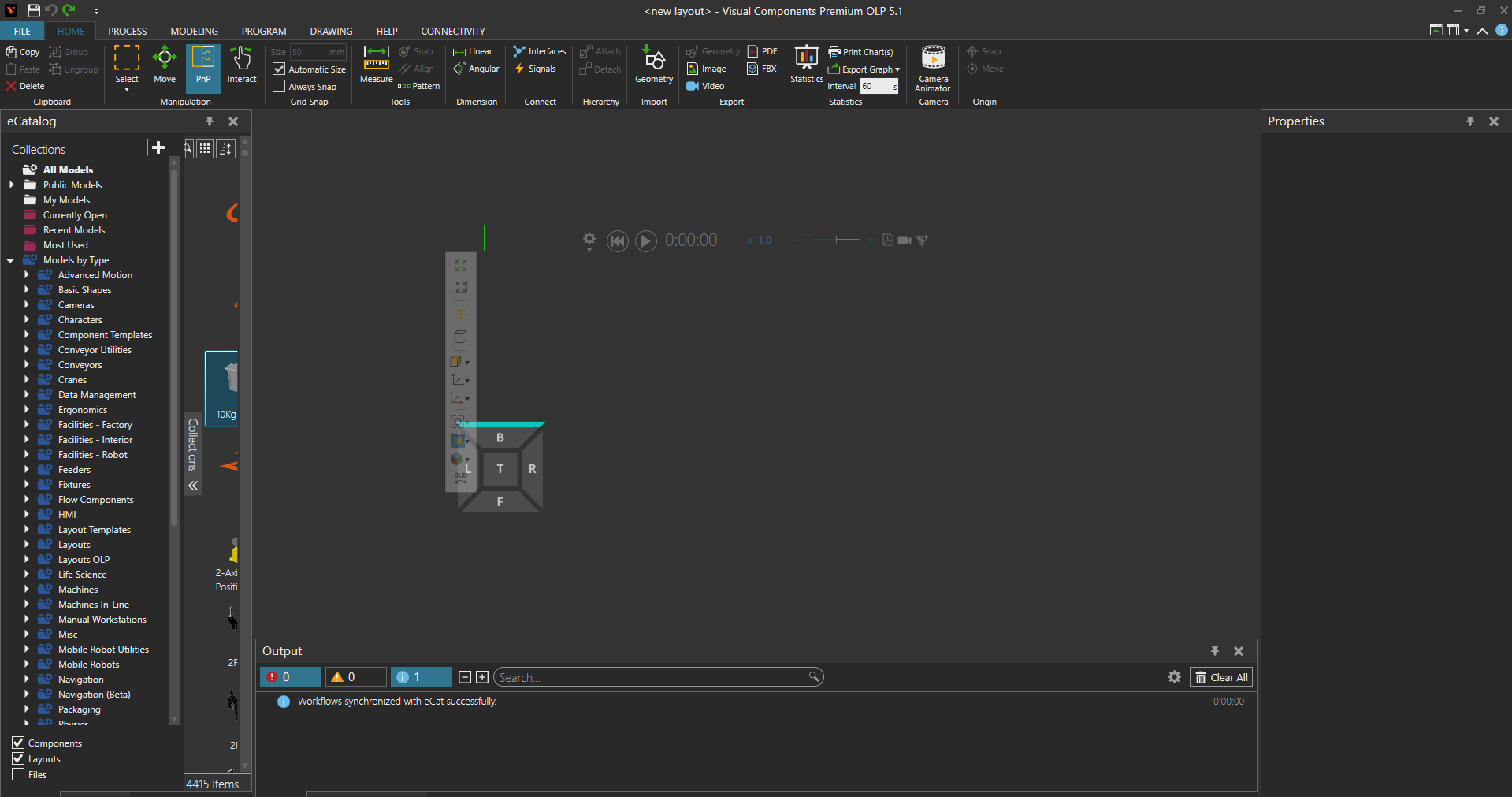
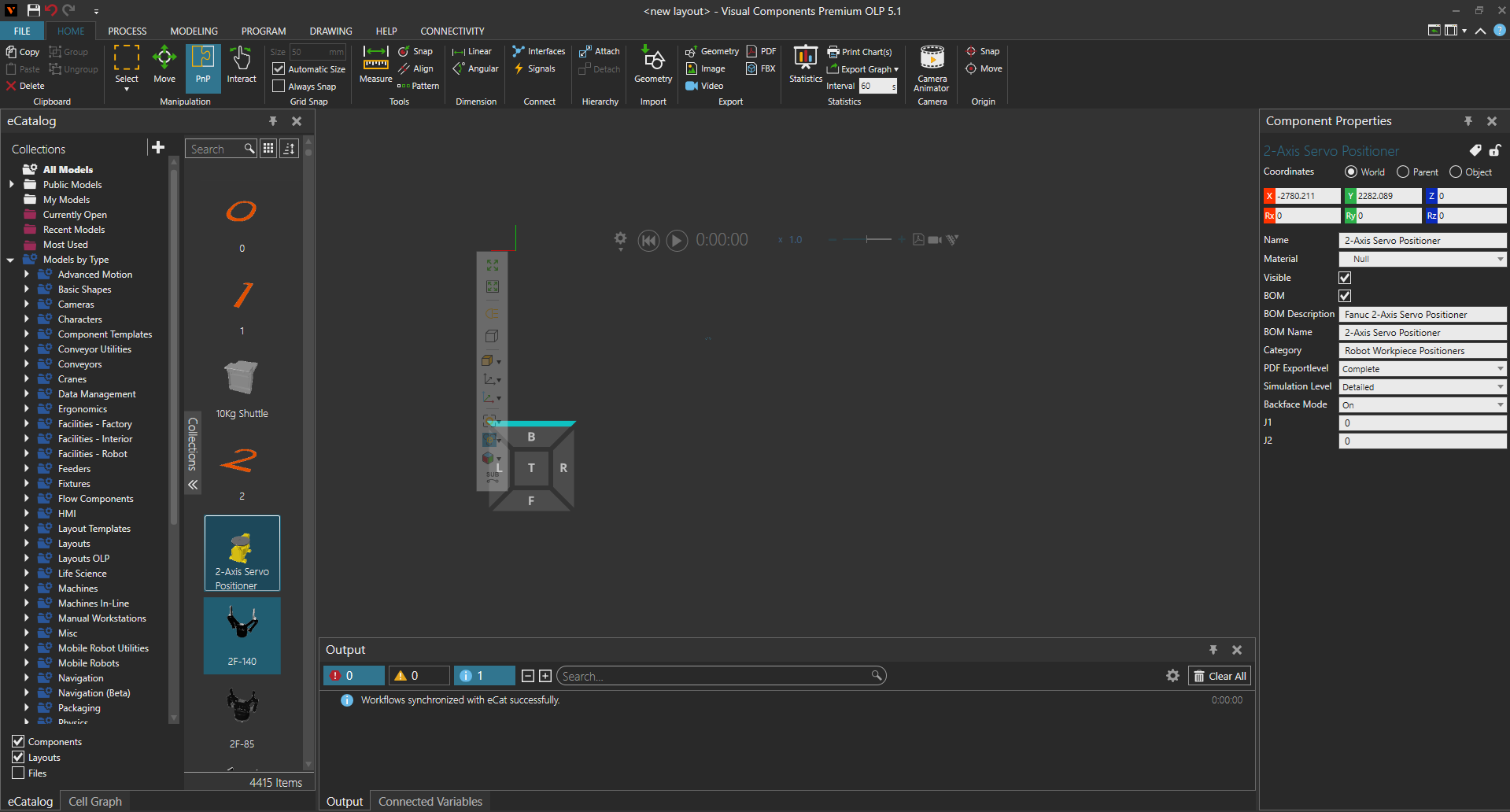
I downloaded Visual Components OLP 5.1 for the first time for my school thesis work. But it seems to me nothing works, cant rotate/move the view, i can drag a component into the 3D world but it does not appear so everything seems to be stuck. Im using standalone license 60 days evaluation.
Hi,
In that case let’s eliminate that from possible causes. I’m copypasting here a rendering problem troubleshooting guide that I wrote in the past. If the issue persists after that, please contact Visual Components support in Contact Us form at https://support.visualcomponents.com/ (log in using the credentials created when the license was activated).
Check the following settings:
1. Does VC use high-performance GPU or an integrated GPU
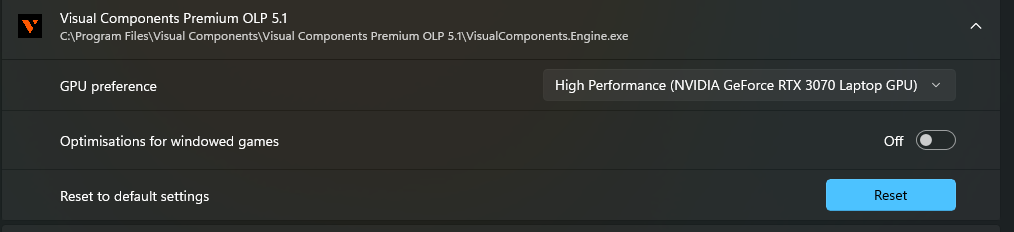
Quite often 3D navigation slowness or minor 3D rendering issues can be resolved by changing VisualComponents.Engine.exe to use high-performance graphics processor.
In Windows 10 (with NVIDIA GPU) this is set from a program called “NVIDIA Control Panel”. For other GPU brands it’s set from a different place.
In Windows 11 this is managed from Settings > System > Graphics.
2. GPU driver updates
Harder errors with 3D world are often caused by GPU drivers lacking some updates. Unresponsiveness of 3D world or invisibility of some elements are prime examples of this issue.
The GPU driver updates can be checked by selecting the GPU in Device Manager > Display adapters and going to tab Driver.