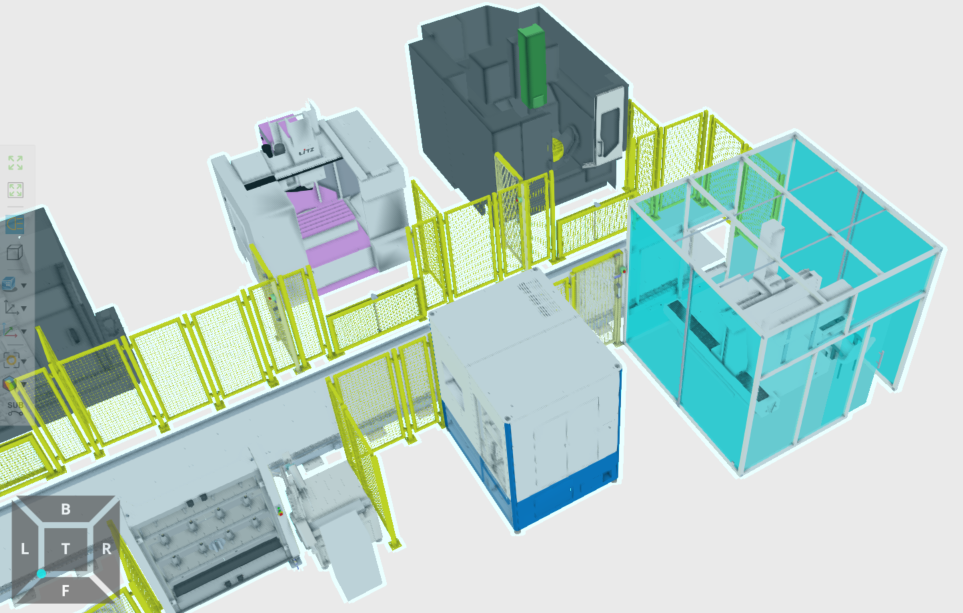
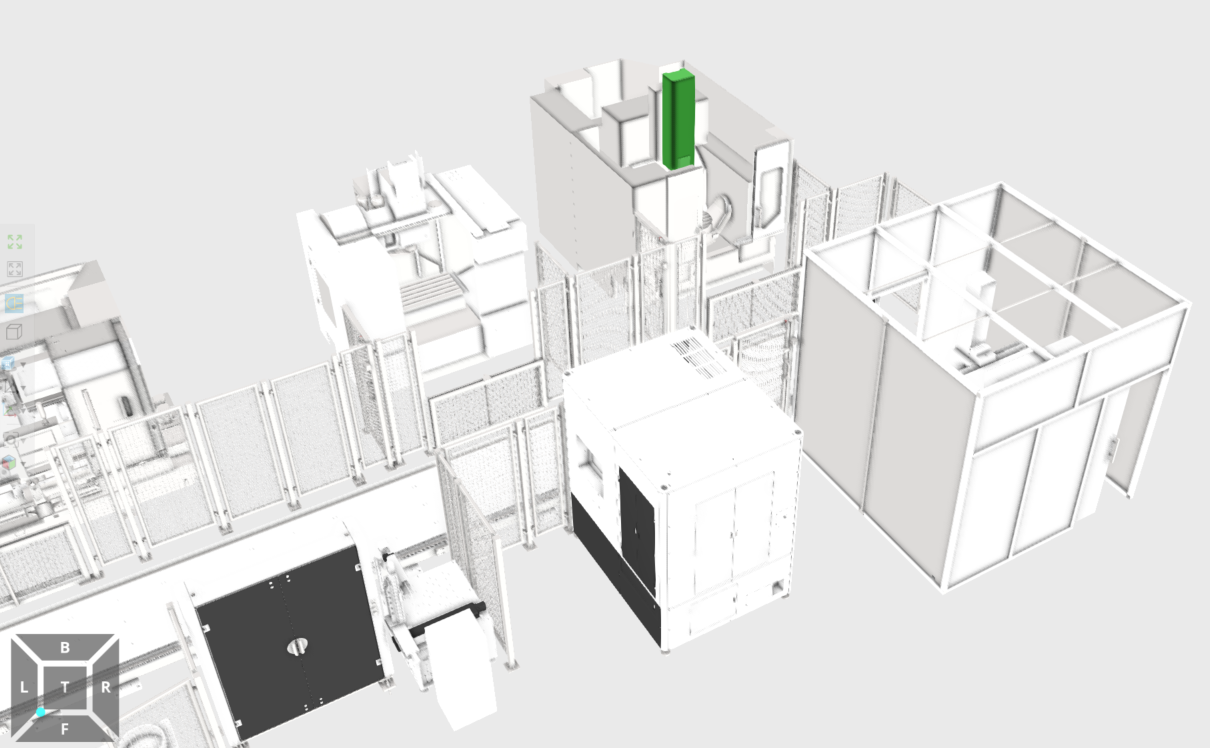
When using Visual Components Premium 4.10, after importing a SolidWorks 3D file and saving it as a component, I encountered an issue where materials are altered upon reloading the component. Specifically, most models appear in the same color, as shown in the figure.
I have tried adjusting import settings, such as modifying tessellation quality, included materials, markers for points and textures, and material creation rules, but none of these resolved the problem. Currently, I can only temporarily address it by manually reassigning materials for all components using the software’s material library. However, this approach is extensive, highly time-consuming, and prone to omissions for a complete production line or workshop project. Features without redefined materials display as red, purple, yellow, etc., upon reopening, which severely clashes with the overall scene color scheme. Does anyone have a viable solution for this issue?
@idkfa I feel that if it’s a big project, changing the material name should be a very heavy workload. Can we optimize this problem? I often encounter this problem
I tried to extract one of the devices and save it as a component. Then, I changed all Chinese content such as component name and features to English or numbers, and saved it as a new component. After clearing the layout and loading these two components separately, I found that both of them had color changes. Therefore, the color change may be unrelated to characters.
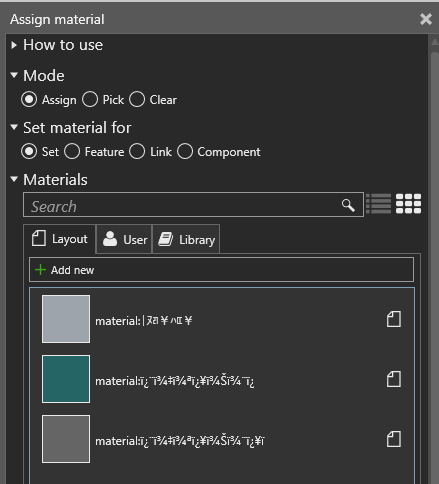
Rename the material names, not the component names
Run this script the first time you import a CAD file.
from vcScript import *
import string
import random

app = getApplication()
ALLOWED_CHARS = string.printable[:-5]

def only_english_keyboard_chars(s):
  return all(c in ALLOWED_CHARS for c in s)

def short_id(length=8):
  chars = "23456789ABCDEFGHJKLMNPQRSTUVWXYZ"
  return ''.join(random.choice(chars) for _ in range(length))

for material in app.Materials:
  if not only_english_keyboard_chars(material.Name):
    old_material_name = material.Name
    material.Name = "Material_%s" % short_id(8)
    print "%s -> %s" % (old_material_name, material.Name)