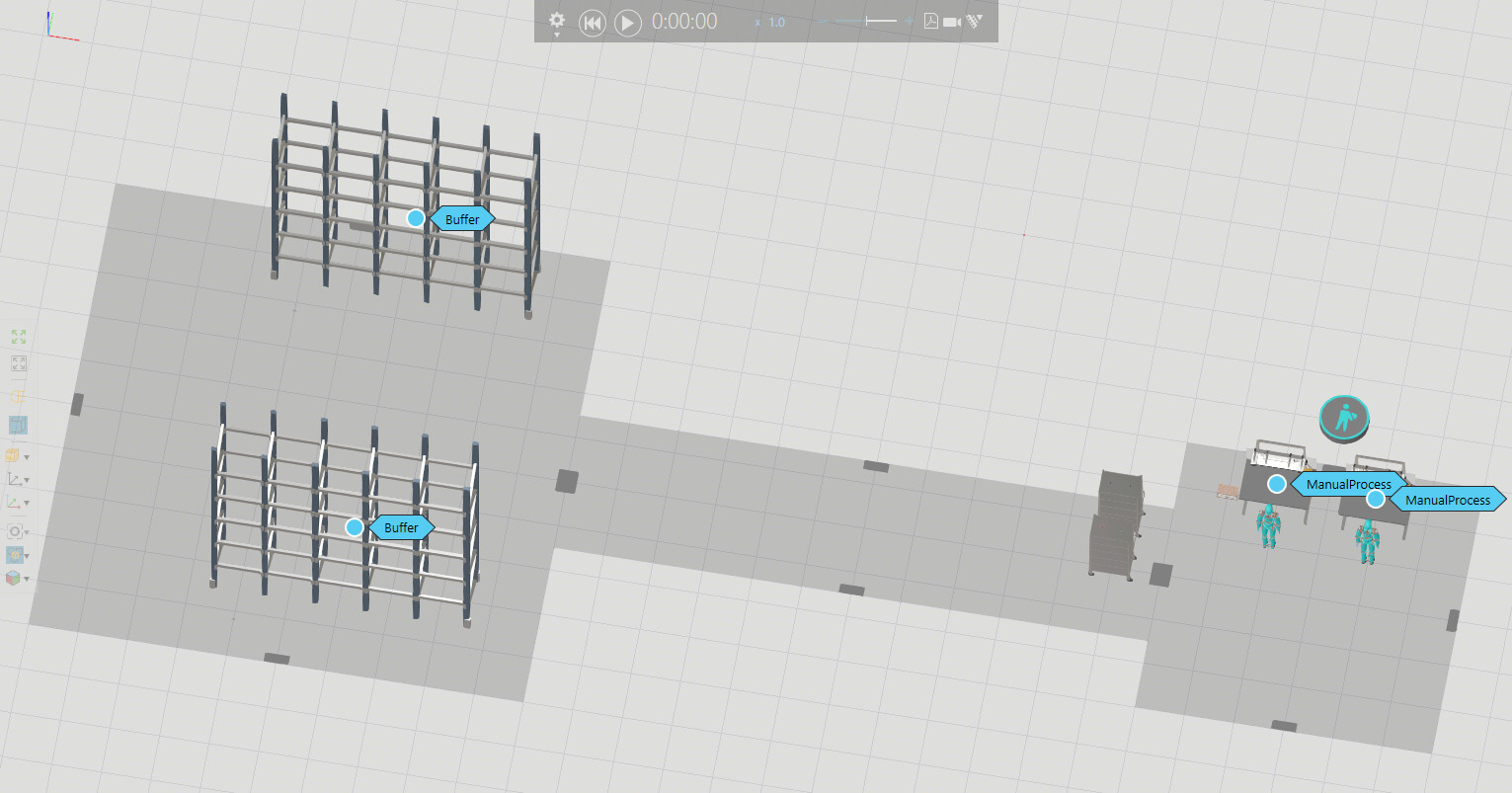
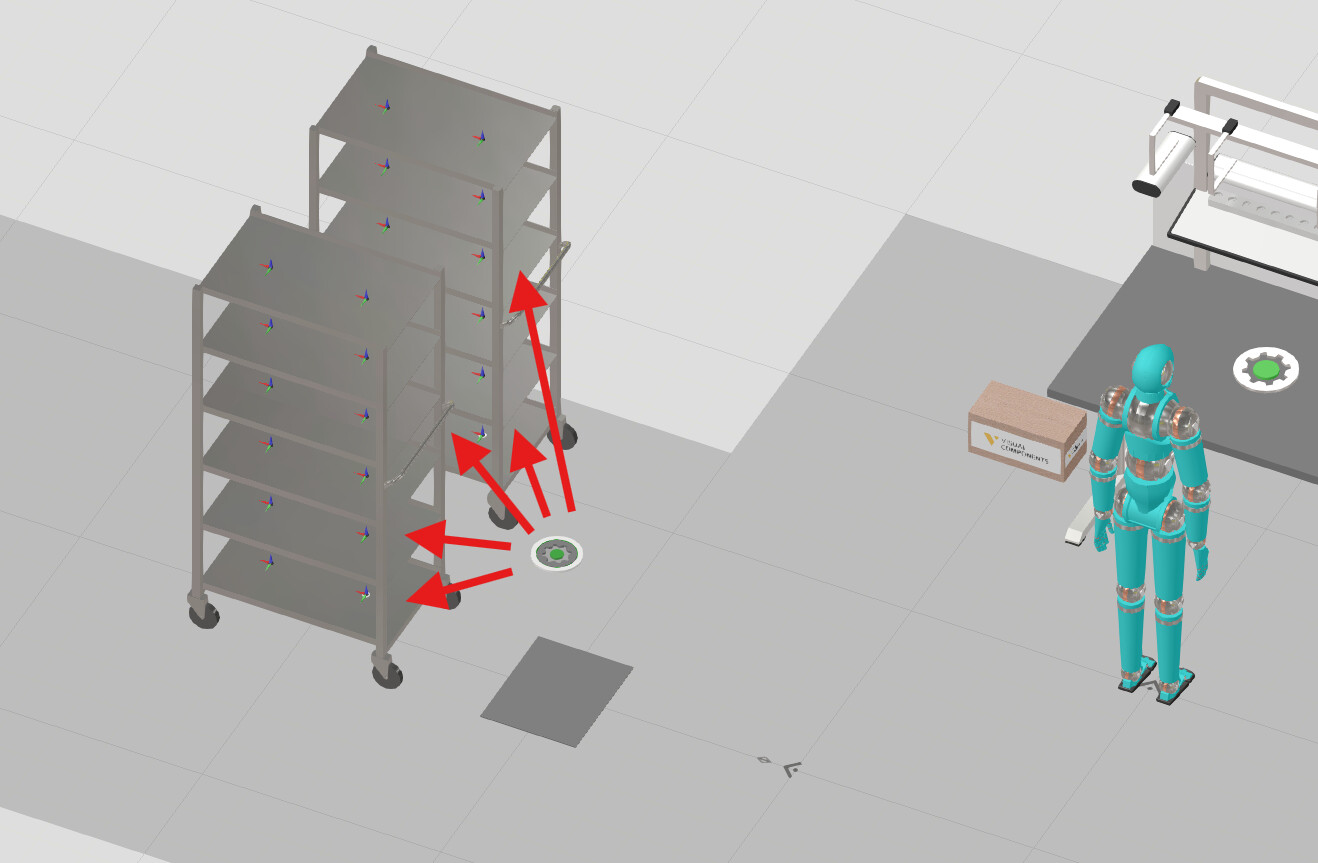
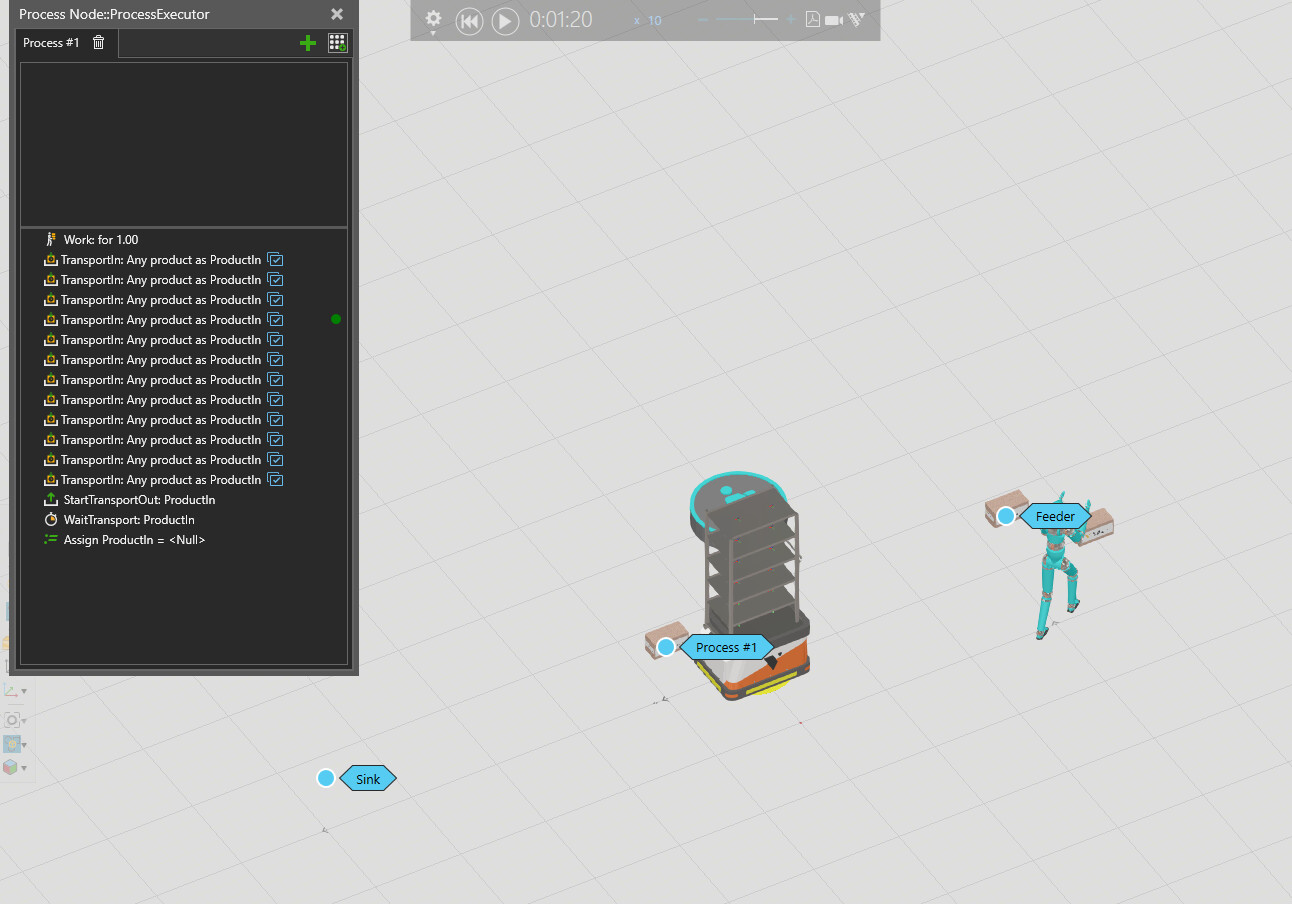
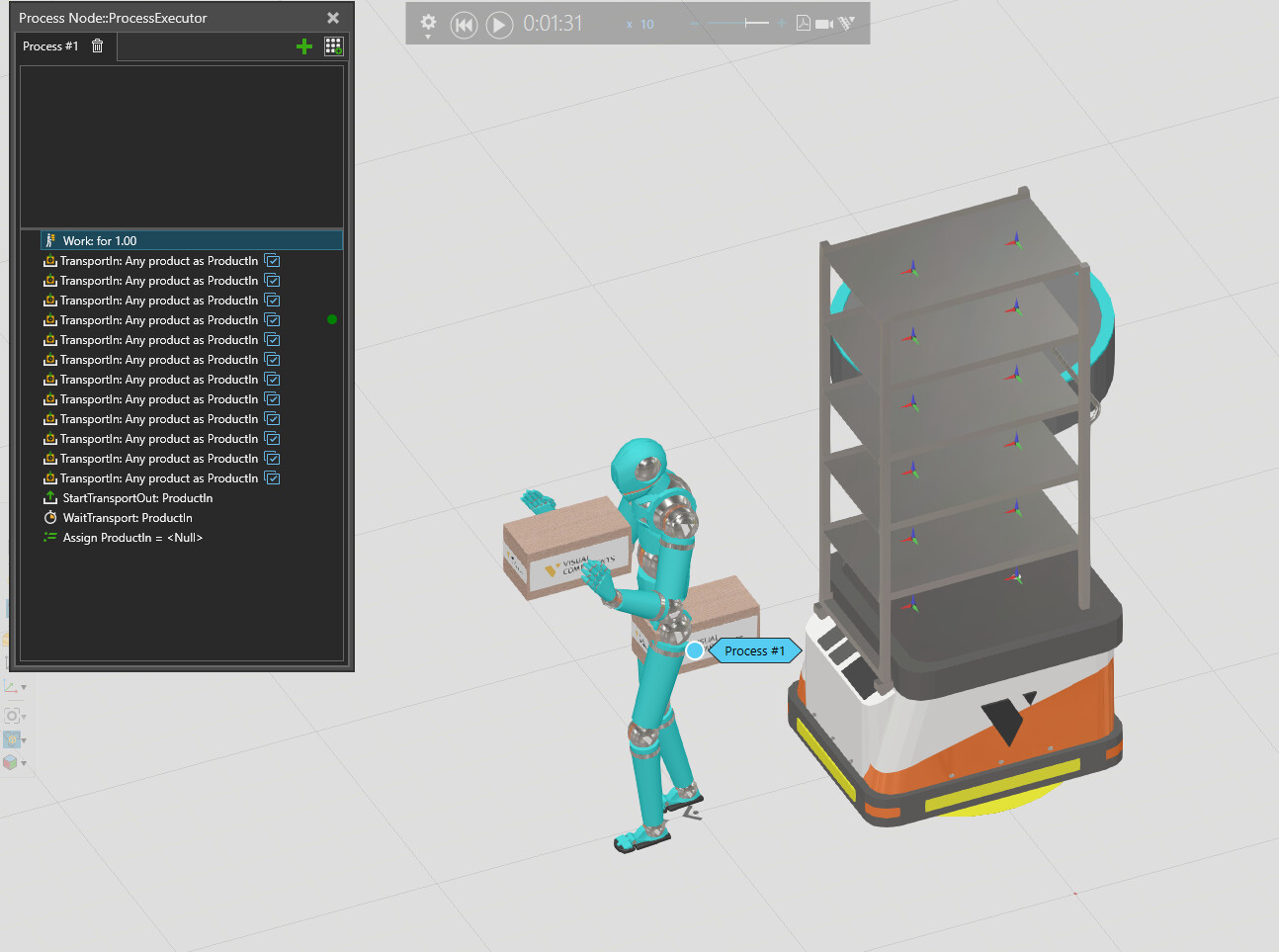
Can’t figure out the loading part - how to connect the FillTrolleys process point with the positions on the trolleys. How should this be connected? Thanks!
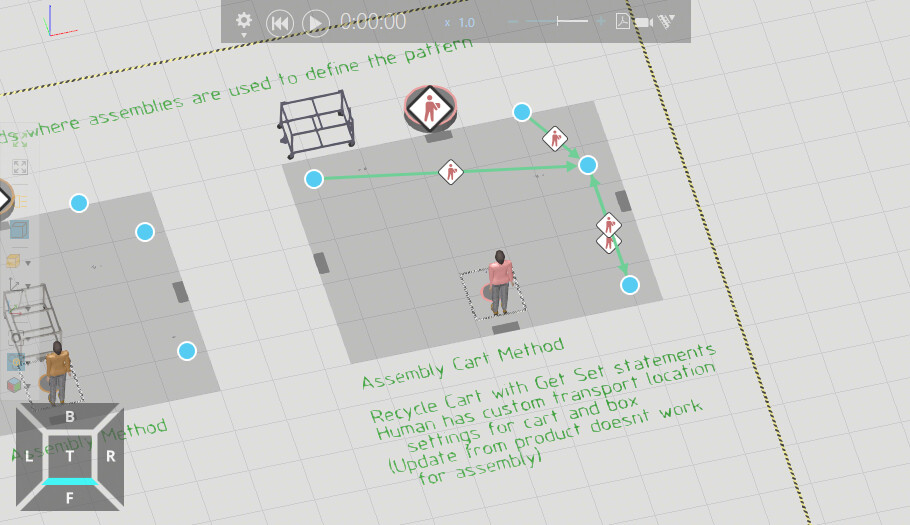
Update - I found one possible solution to this scenario following the Assembly Cart Method in the Resource Tool Trolley layout (interesting solution, where the trolley is actually an assembly, not a tool).
That layout proposes different ways of using the trolley either as a tool (always attached to the human) or part of an assembly (better in my case where trolley is brought to a certain point, after which human is free to transport in the products):
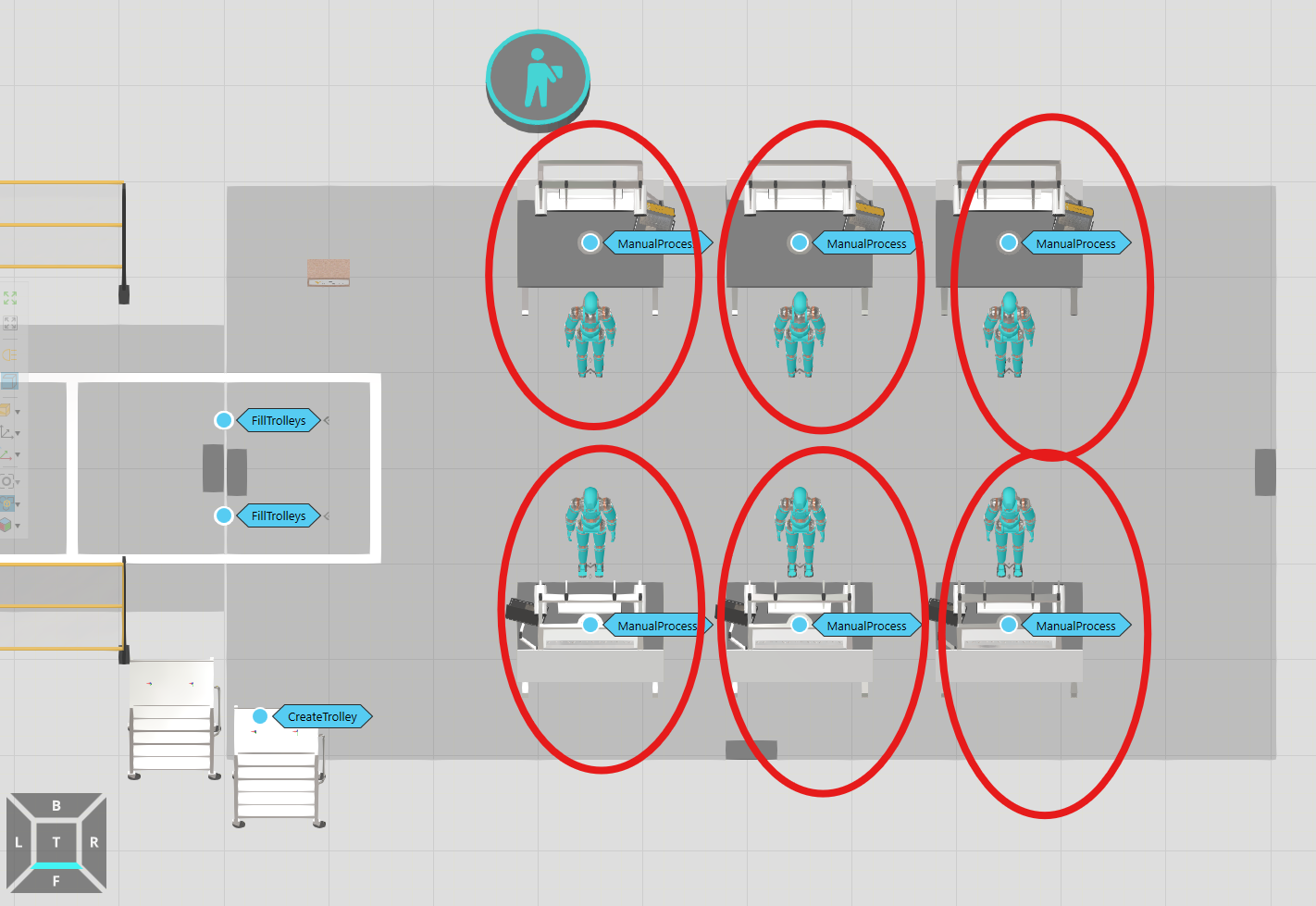
Scaling this up with more workers, it’s bothering me that the human resources are always changing work stations. I would like each of them to be assigned to a specific workstation - how to achieve this if there’s just one controller?
I looked into adding a separate controller per human, but that doesn’t work, because I need the trolley transport to be shared by all humans.
Yes the Assembly Cart Method is the best way to go here.
For the resources changing place, you can try using the Resource Reservation method: Resource Reservation | Visual Components Academy See the Layout Template “Fixed Process Order (reserve resource)” in the eCatalog
In the string you enter the name of the component which reserves the resource.
In Send Signal or Wait Signal statements you can set SelectedComponent property on “Null” to use a signal in the same component in which the process is. Here you do the same with the empty string to select the component in which the process is.
Followup question to the previous scenario - I now want to replace the “carry trolley to the warehouse” part with 2 mobile robots and am trying to build the flow with them.
This time I’m trying to go with the “Tool Cart Method” from the same example layout (trolley is used as tool by the mobile robot).
I created a quick test and am having the following issues:
Robot stops not on top of the node, but 1m before it, even though there’s no frame there.
Human is not placing the boxes to where the frames of the trolley are.
Even though I set the robot capacity to 12, it only picks up 2 products before moving out.
At the end of each cycle, robot drops the trolley at a random place!
After a bunch of testing, looks like using mobile robots and tools simply isn’t working properly, so I retried the same “Assembly Cart Method” with some adjustments:
Add a work statement for 1s using the mobile robot before create trolley, to make sure robot is in the right place.
Reserve and Release resource signals for the robot during filling and unloading the trolley.