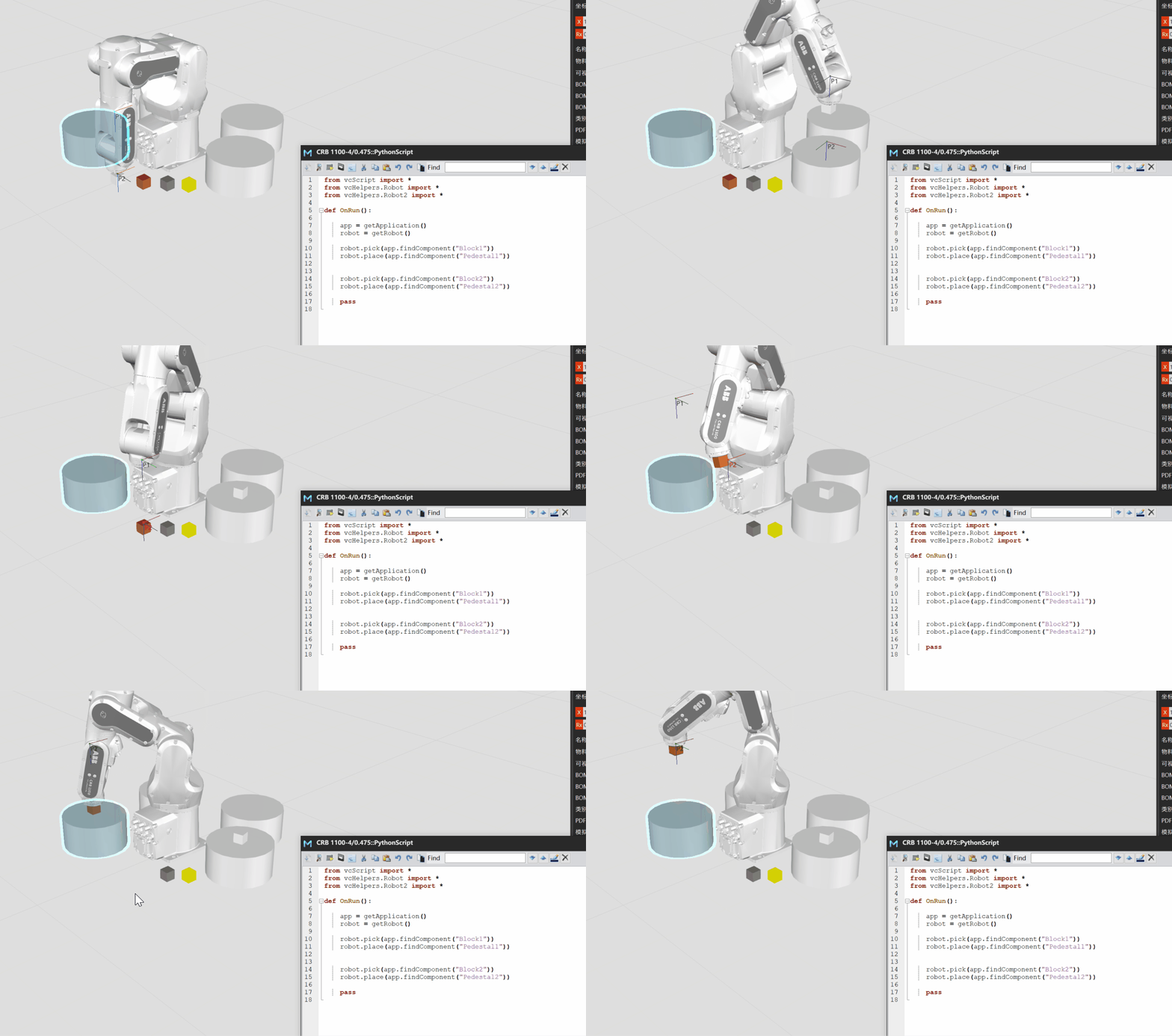
1、The first time the place method is executed, the robot drops the object
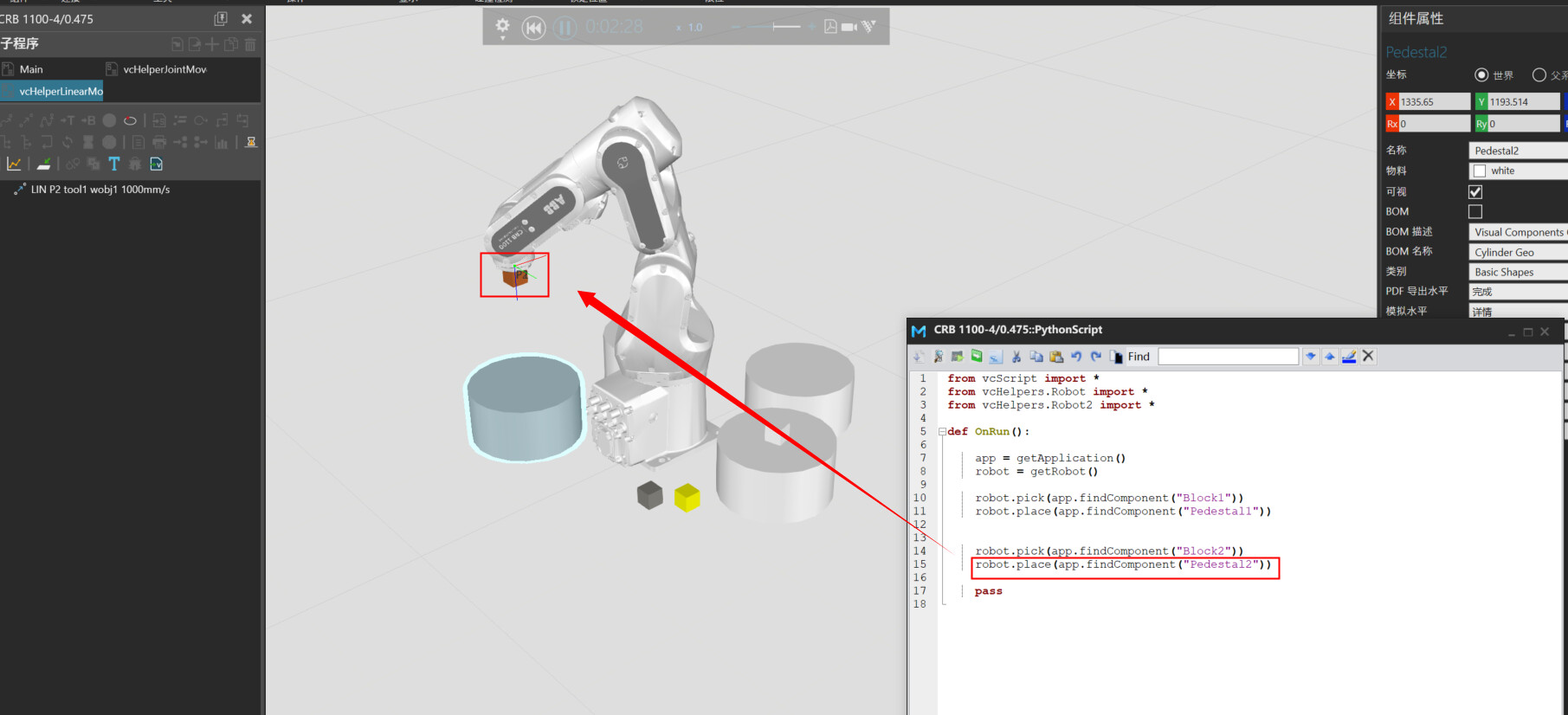
2、After the place method is executed for the second time, the robot does not drop the object
What should be done to drop the object??
1、The first time the place method is executed, the robot drops the object
2、After the place method is executed for the second time, the robot does not drop the object
What should be done to drop the object??
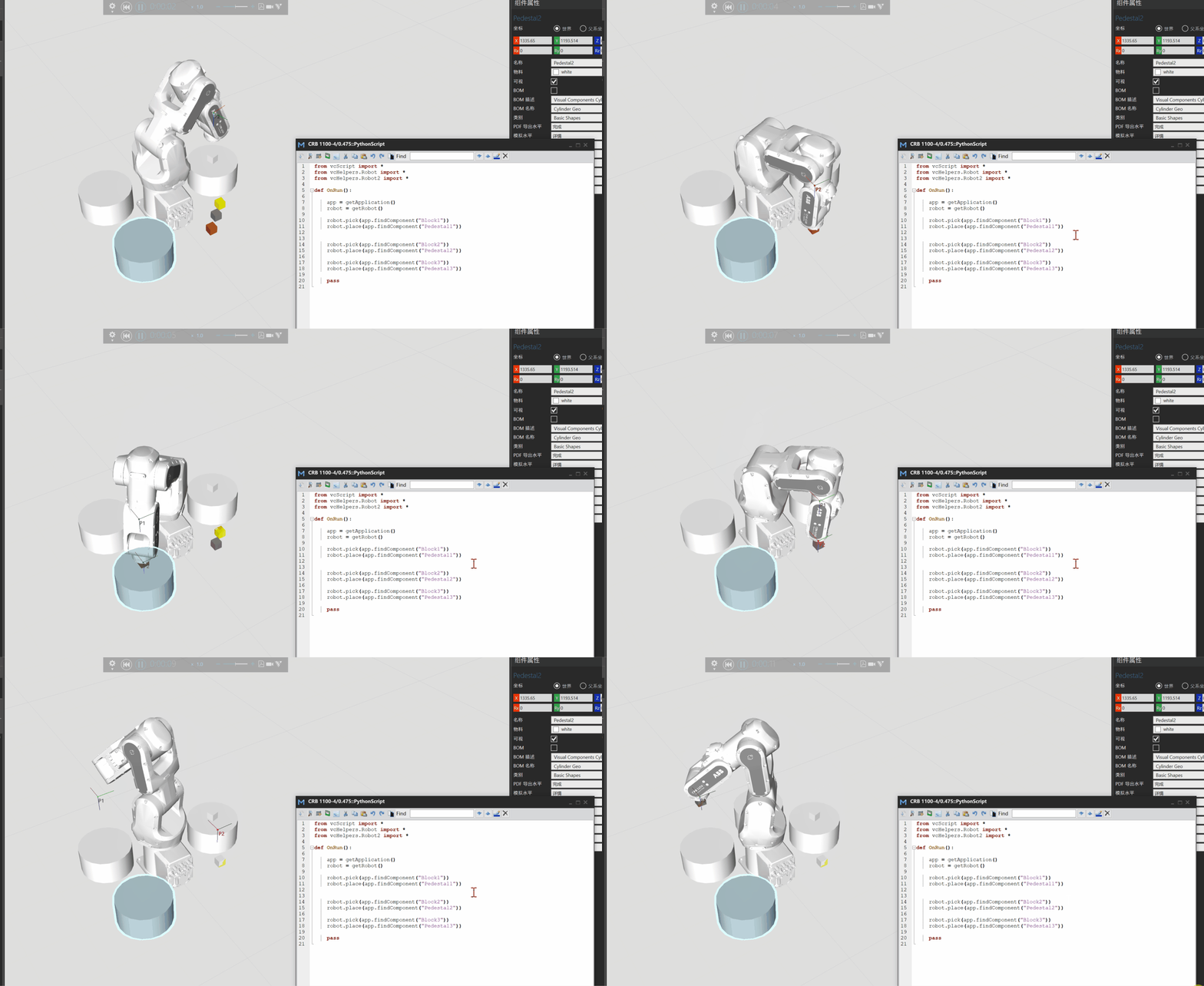
If you continue to do this, the robot will not drop the object
I modeled a scenario and reproduced the situation, and here’s my take on the possible causes of the situation.
After some observations the following characteristics were found:
1. In the base case, which is just setting up the scene and doing the scripting, it is true that only the first cube was successfully grabbed and placed;
2. After adding a ComponentContainer to one of the tray components, it was found to be feasible to release all of the part components to that tray component;
3. While observing the change in the parentage of the first part component, it was noticed that after each place, the parentage of the part component changed.
After the above observation, and combined with the VC help file explanation, we can learn that the general flow of this problem is like this: when the robot grabs the first component, it reaches the first tray component and tries to place it down, and this piece of code I expect to use try, so the program should still want to do the handover of the subcomponents after running the attach instruction, but the tray component doesn’t have a ComponentContainer, so the program tuned past the release resource operation further down the line, which means that after the first operation, in the robot’s grab table, there is still the first square component (which normally should be deleted), so everything that follows can be explained, because the later grabs, in the robot’s grab table, will be Pick_table[ 1], [2]. So none of them can be put down properly and the parent of the first part component will keep changing,And because try exists, no error is reported, or the backend has handled it automatically.
I think this issue may not have been flagged as a priority, in fact, yes, because he could have circumvented it through conditions.
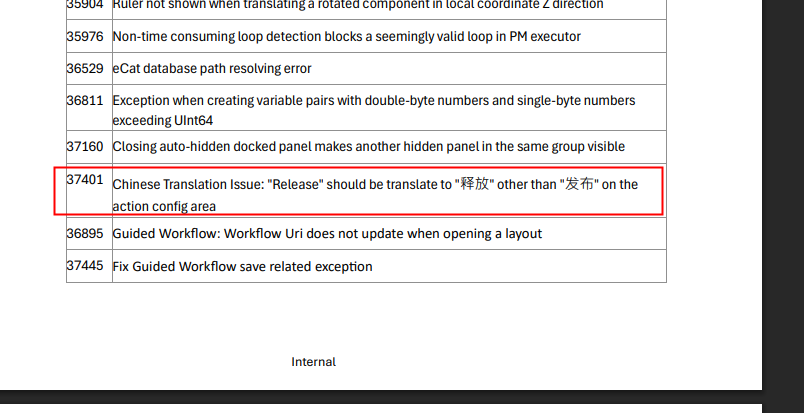
Also, I’m not quite sure what you meant when you posted about the changelog in VC4.10.2, isn’t this paragraph about translation issues?
In fact, I reiterate my previous response, having already addressed the apparent cause within your query. To resolve this matter expeditiously, you may incorporate the ComponentContainer behaviour into the receiving component’s tray.
Hi this is fixed in 5.0, for the workaround in 4.10, add a component container to the parent component.
I Copy that,thanks。