yujie
1
Hi Forum,
I’m using an RTC to control a robot for pick-and-place tasks.
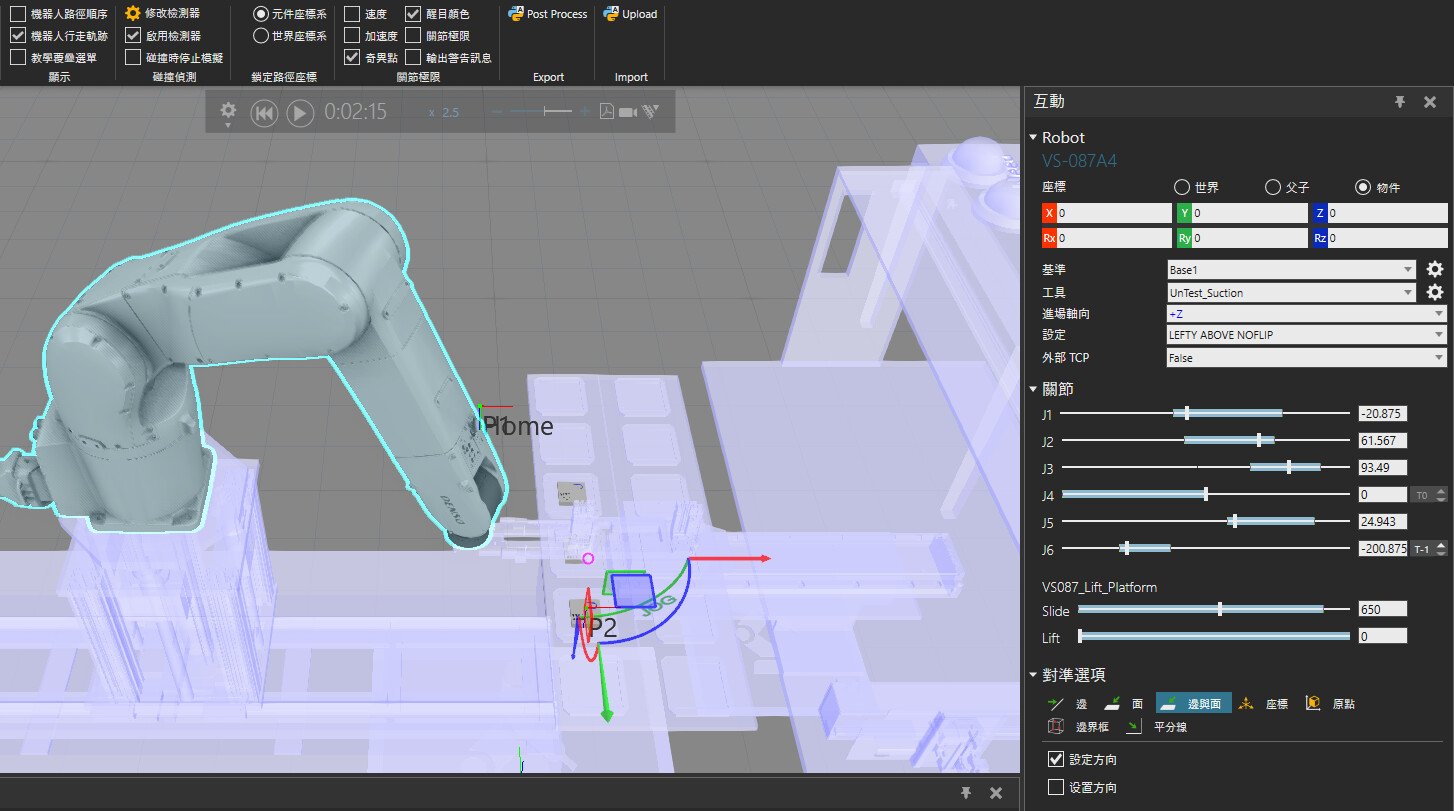
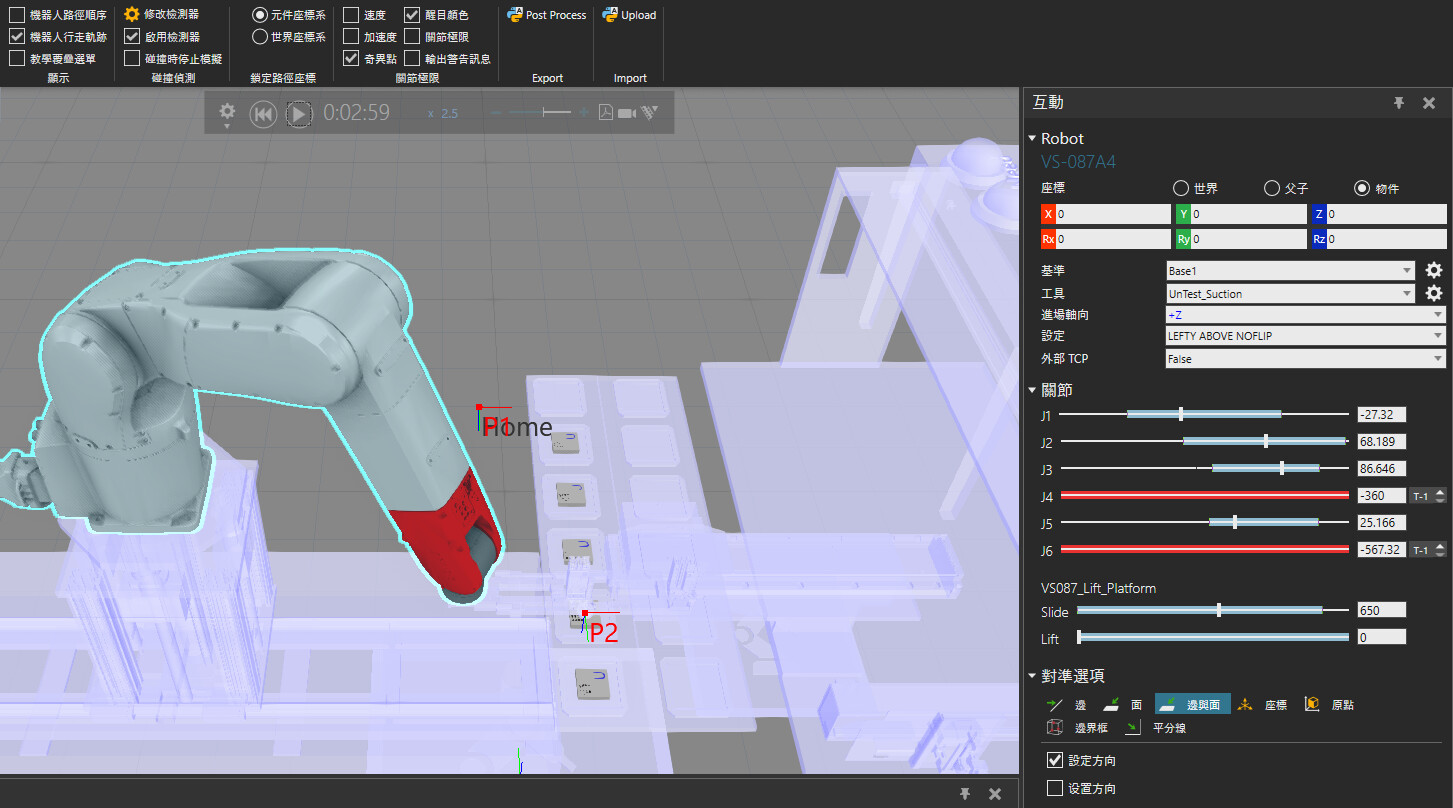
However, sometimes the robot’s J4 axis rotates from 0° to -360° before reaching the target position, as shown in the images below.:
Does anyone know how to set strict joint constraints to avoid this fancy action?
Este
2
Click on the small arrows next to the axis sliders to set the axis turn counts, and then touch up the point.
1 Like
yujie
3
This doesn’t help because those points are created by the RTC (vcHelpers.Robot2).
The same issue will occur again when a new taught point is created.