I created a short conveyor composed of the generic VC conveyor pieces with an “Incline / Decline” conveyor in the middle.
I then copy/pasted it to use it in other places on the layout.
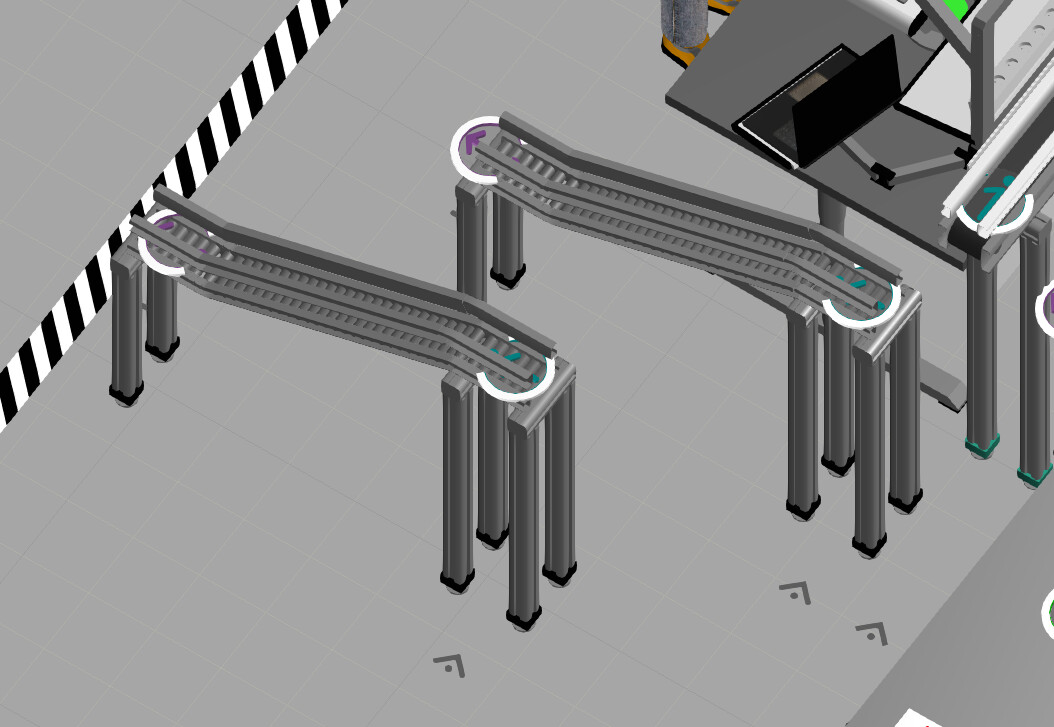
However - any time I change any properties on the new incline/decline piece, it also changes on the original.
For example: editing ConveyorHeight on the copied component, it changes also on the original. I don’t want the original to change (it doesn’t seem to be the case on the generic conveyor pieces, just the incline/decline part).
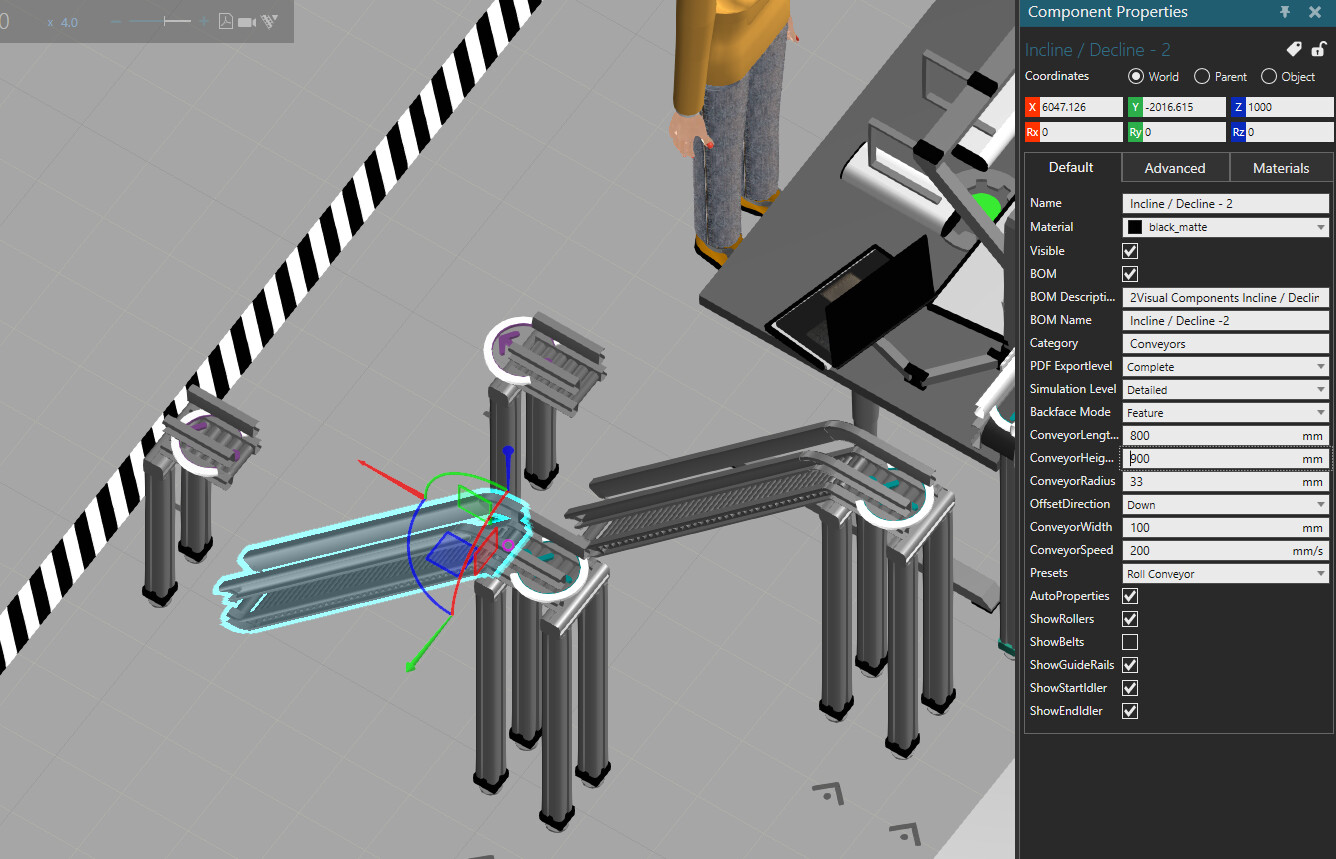
Question: What is keeping these copies connected and how to disconnect them? I don’t want to re-import the piece each time and configure it again.
