I am working on a simulation project involving a conveyor line with 20 robots and 20 stop‑and‑go stations. Each robot performs a different operation depending on the selected SKU. Since each SKU has a different geometry, every robot requires a corresponding SKU‑specific program. Additionally, each station includes subassemblies that vary according to the SKU model being processed.
I would like to understand the most efficient method to simulate multiple SKUs under the following conditions:
When a SKU is selected, the simulation should automatically load the correct geometry for that SKU.
All 20 robots should automatically switch to the corresponding SKU‑specific robot programs without manual intervention.
Each station should display and use the correct SKU‑specific subassemblies.
I would like to avoid manually hiding or unhiding SKU models or subassemblies at each station.
The overall process should support seamless SKU switching and full automation of program selection and model replacement.
Kindly advise whether there is a recommended workflow, variant management method, or automated configuration process that can achieve this. Any best practices, documentation, or examples would be highly appreciated.
If it’s less than 5, I would probably one Flow per SKU with the corresponding product and subassembly. You can then choose a different geometry for each product, and define the Flow specific for this SKU/product.
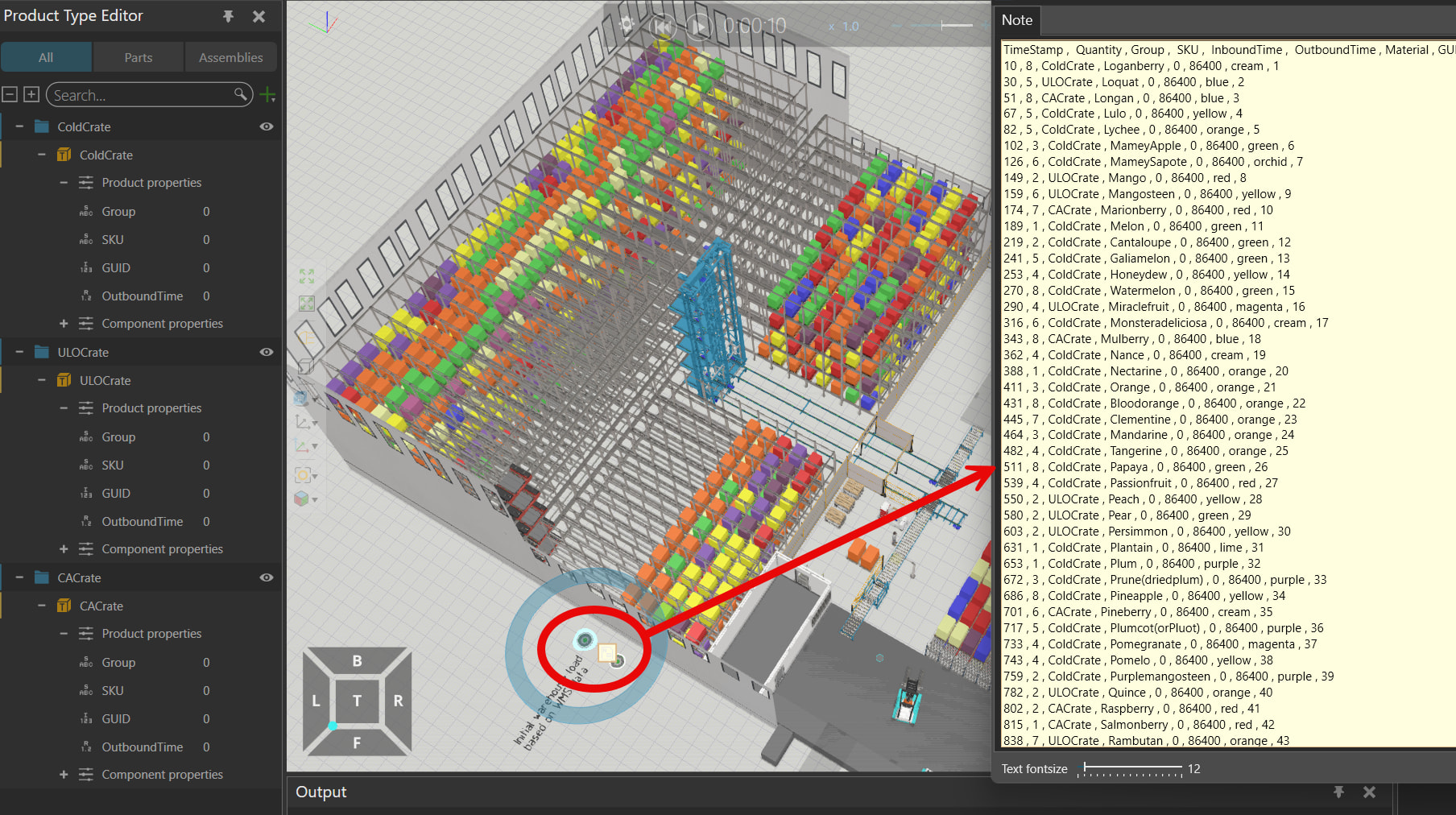
If it’s more than 5, I would probably try to create just one product with different properties. The layout “Automatic Warehouse System” in the eCat shows a nice example:
with the component “Excel Reader” (eCat → Misc) or the * * Variable Cache AddOn you can read values from an Excel file. That way you can create only one product, and define in the process when it should be created, with which SKU, which color/size, which process time it will have, etc.
if you are using the Process modeling for the robot, you could use * * Filters in the processes to transport the products to certain processes according to their Product Properties. If you are using robot programs, then you could use an If or Switch loop, to call a different programm accroding to the product properties.
You could also use an If or Switch loop to call a different assembly according to the product in the process. (like in the Template Layout “Assembly Construction Statement”)
 . i will try to do it if any support needed i will let you know.