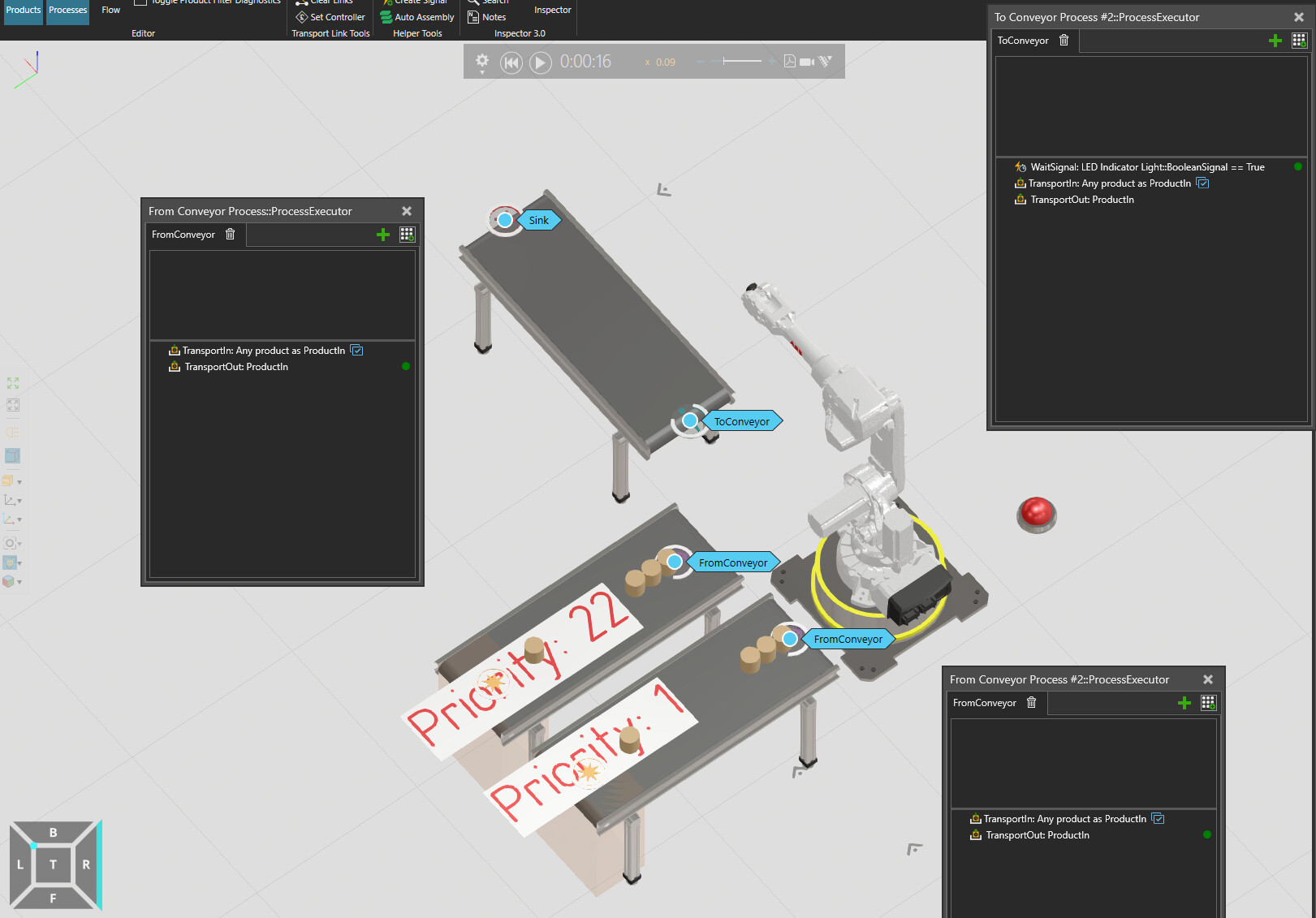
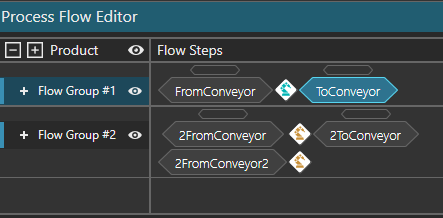
What I assumed was that in this case, with 2 competing transitions, it would choose the one with priority 1. Instead it takes the one with priority 22 first and then picks products evenly from both conveyors. Priority has no effect here?
Priority is related only to transport task and not the transport in/out pairings. So transports are matched whenever possible and transport for it is queued. Priority only takes place when resource looks to transport queue and picks the top priority from there. And ToConveyor is requesting only one product at a time so in effect there’s really no transport queue to prioritize or the queue only ever has one transport in it.
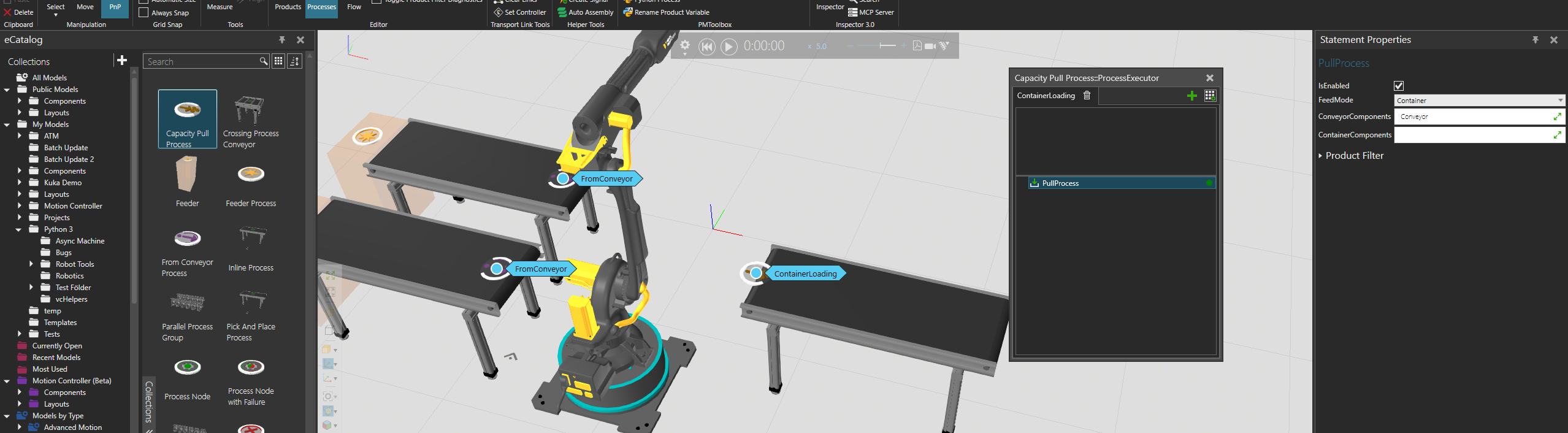
Maybe the easiest way to make this is change ToConveyor process to CapacityPull process. In that process you need to select the statement and assign conveyor or many who pull products if they have capacity. What this will do is actually queue multiple transports instead of waiting one to be complete unlike normal TransportIn statement. So now you have that queue and transport priority can take effect.