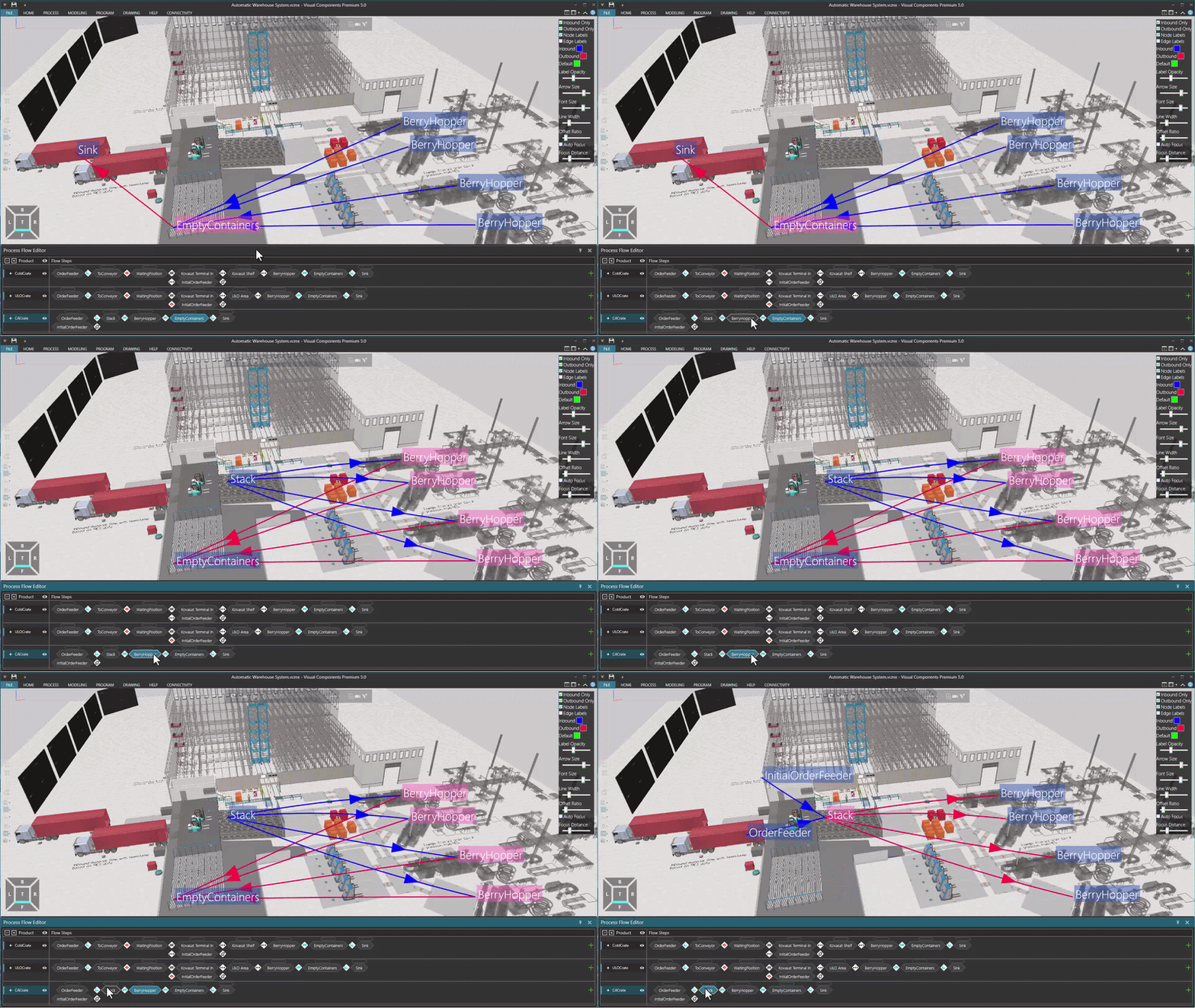
This plugin is a helper for visualizing PM flow. It allows you to
-
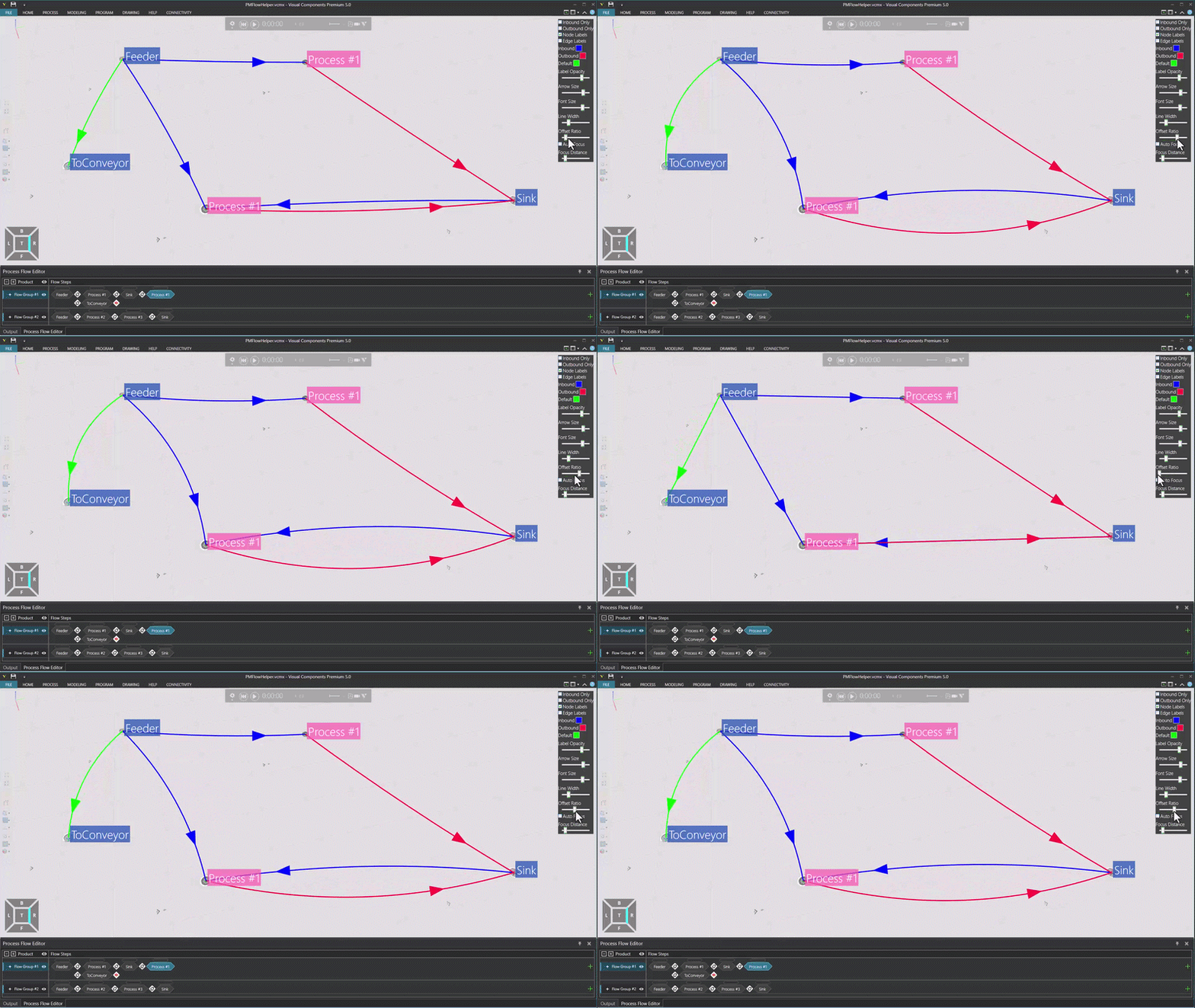
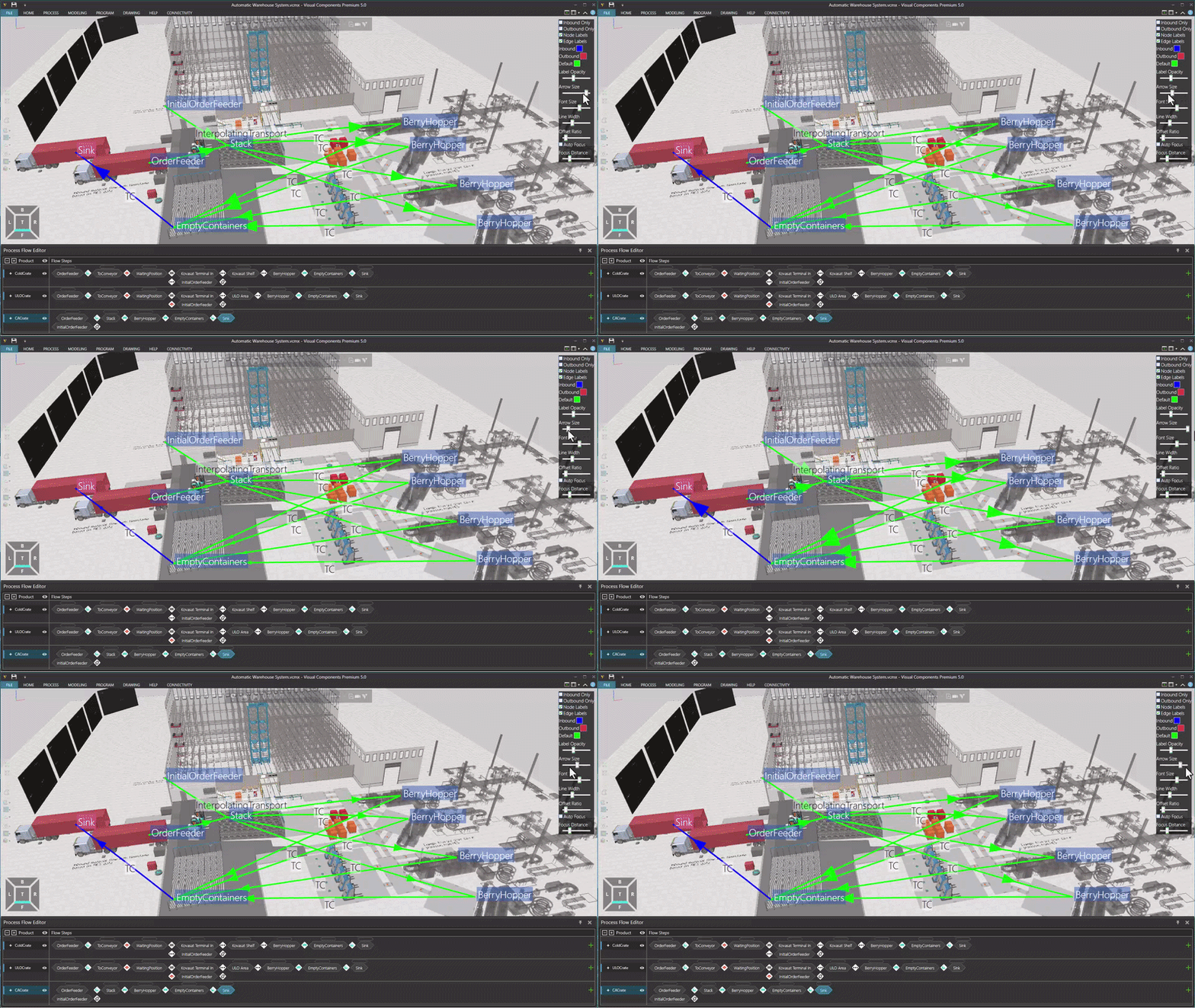
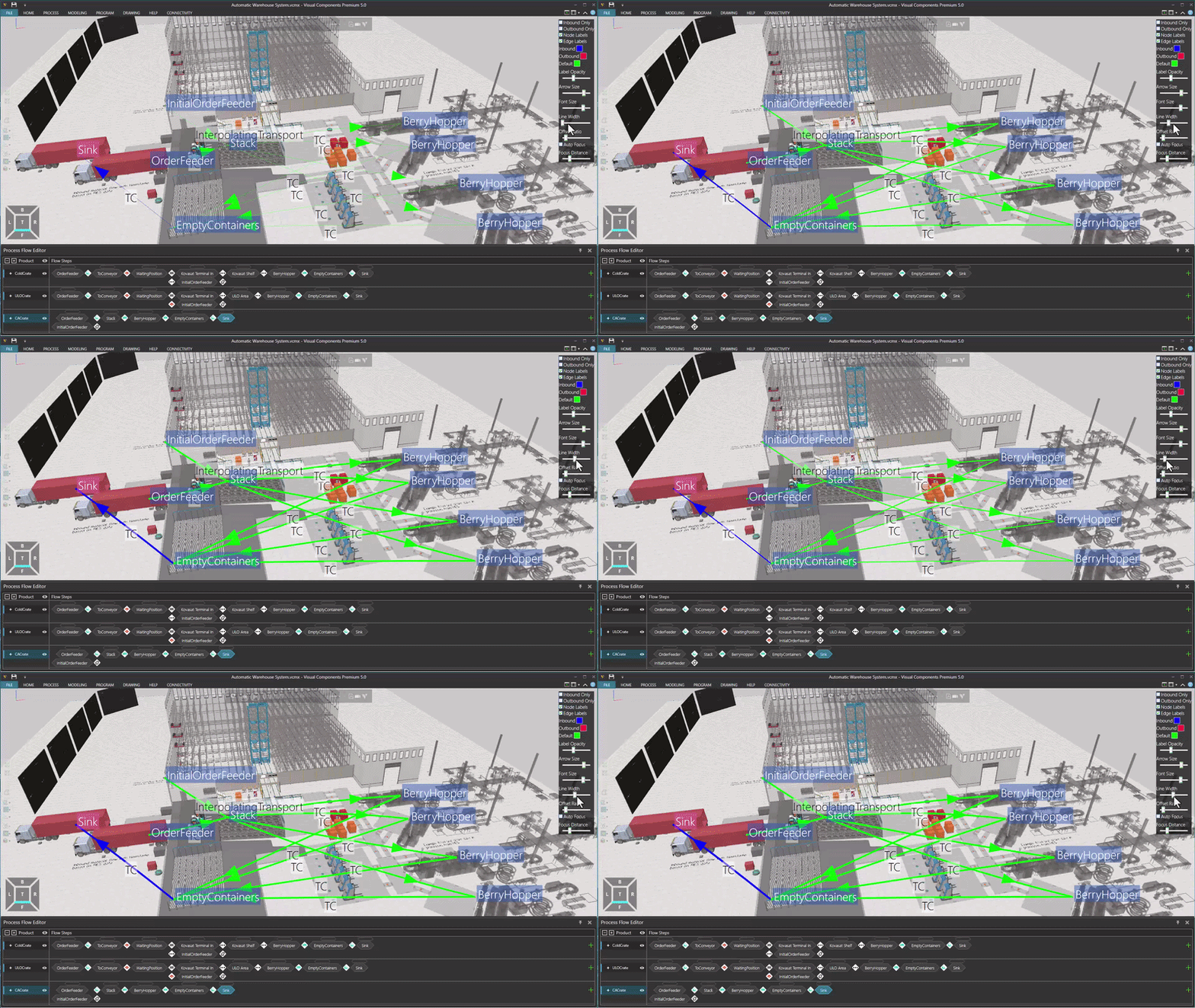
Adjust the thickness of transport link lines and the size of their arrows.
-
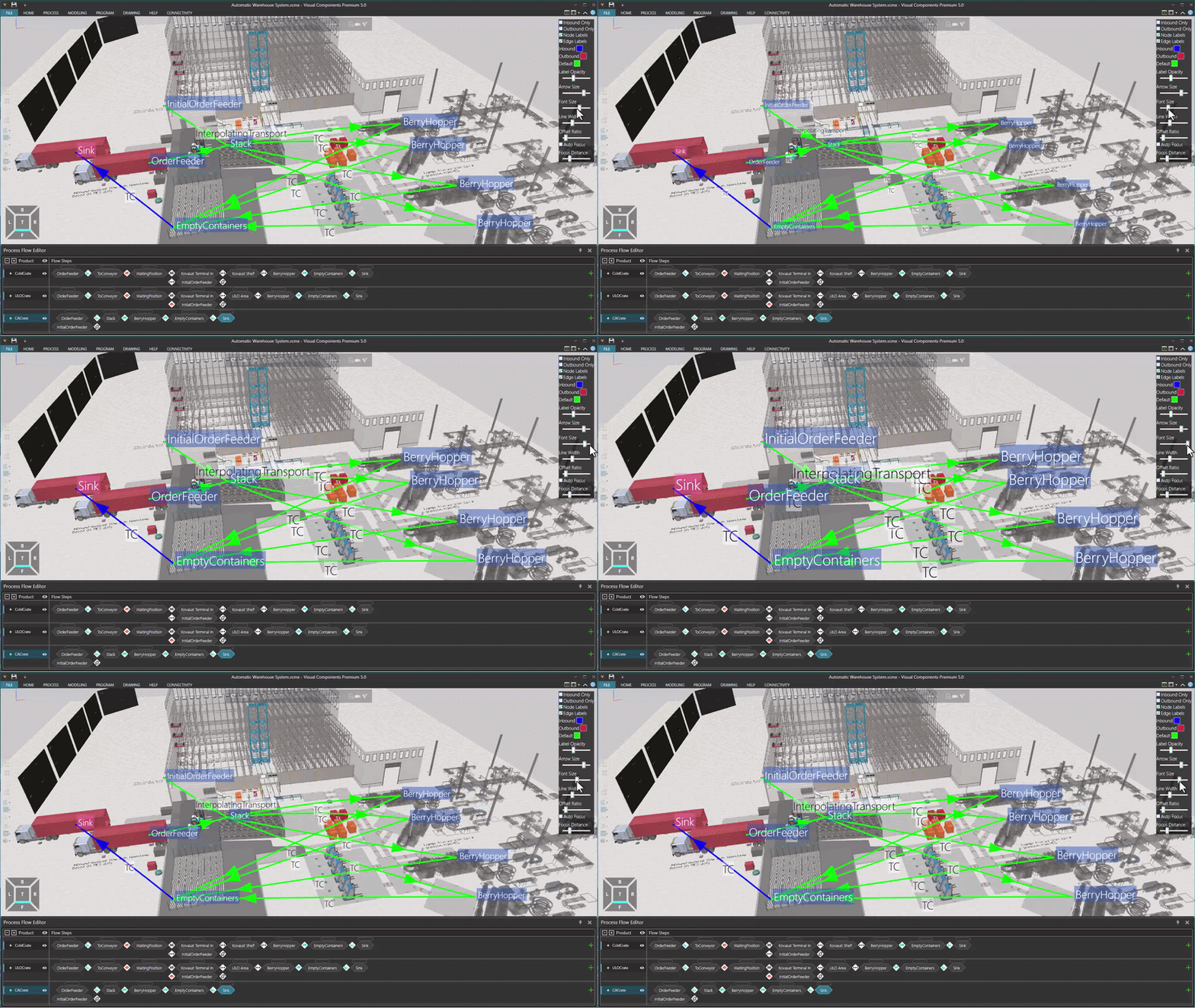
Adjust the label size and transparency of nodes and transport links.
-
Automatically focus on a node when it is selected in the Process Flow Editor.
-
Display only the inbound and/or outbound flows of the selected node.
-
When the Process Flow Editor is open, press F7 to enable the helper.
Unzip .dll file to C:\Program Files\Visual Components\Visual Components ‘Your version’ 5.0
Plugin.PMFlowHelper.zip (14.0 KB)
- Smart rerouting
- Arrow size
- Label size
- Line width
- Selected node’s outbound
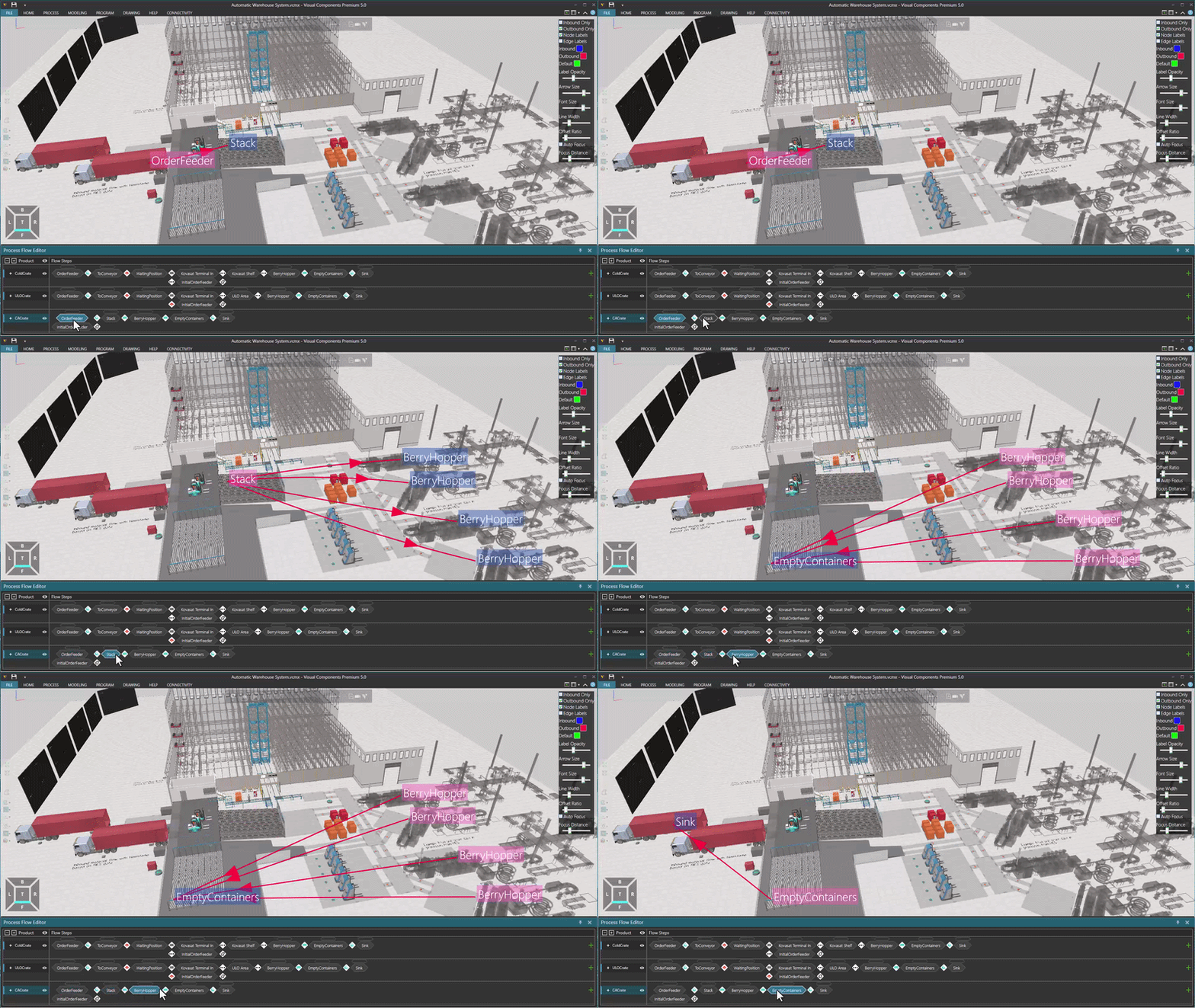
- Selected node’s inbound and outbound