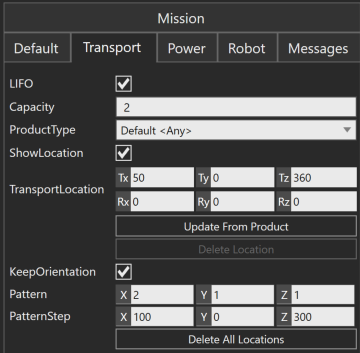
In my case, there are 2 kinds of products; since they are in different size, I’d like each has a different transport location/pattern on a mobile resource. In this property panel, I found “update from product”, please let me know if it is the right place to set and how do I set it, thanks !
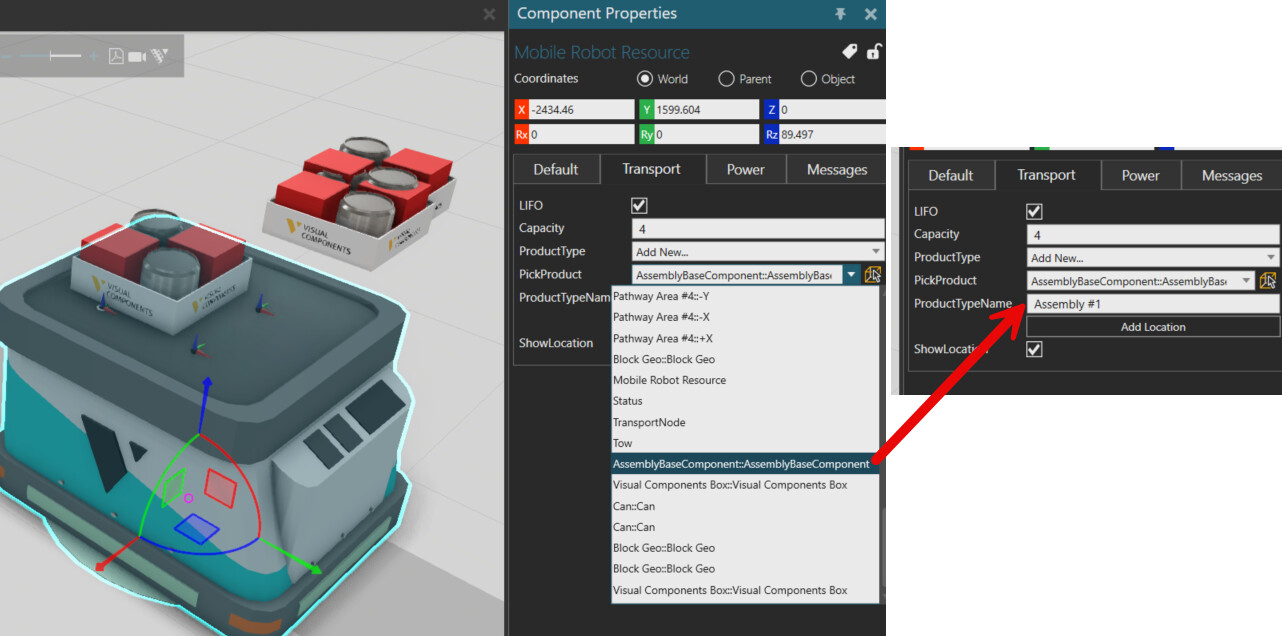
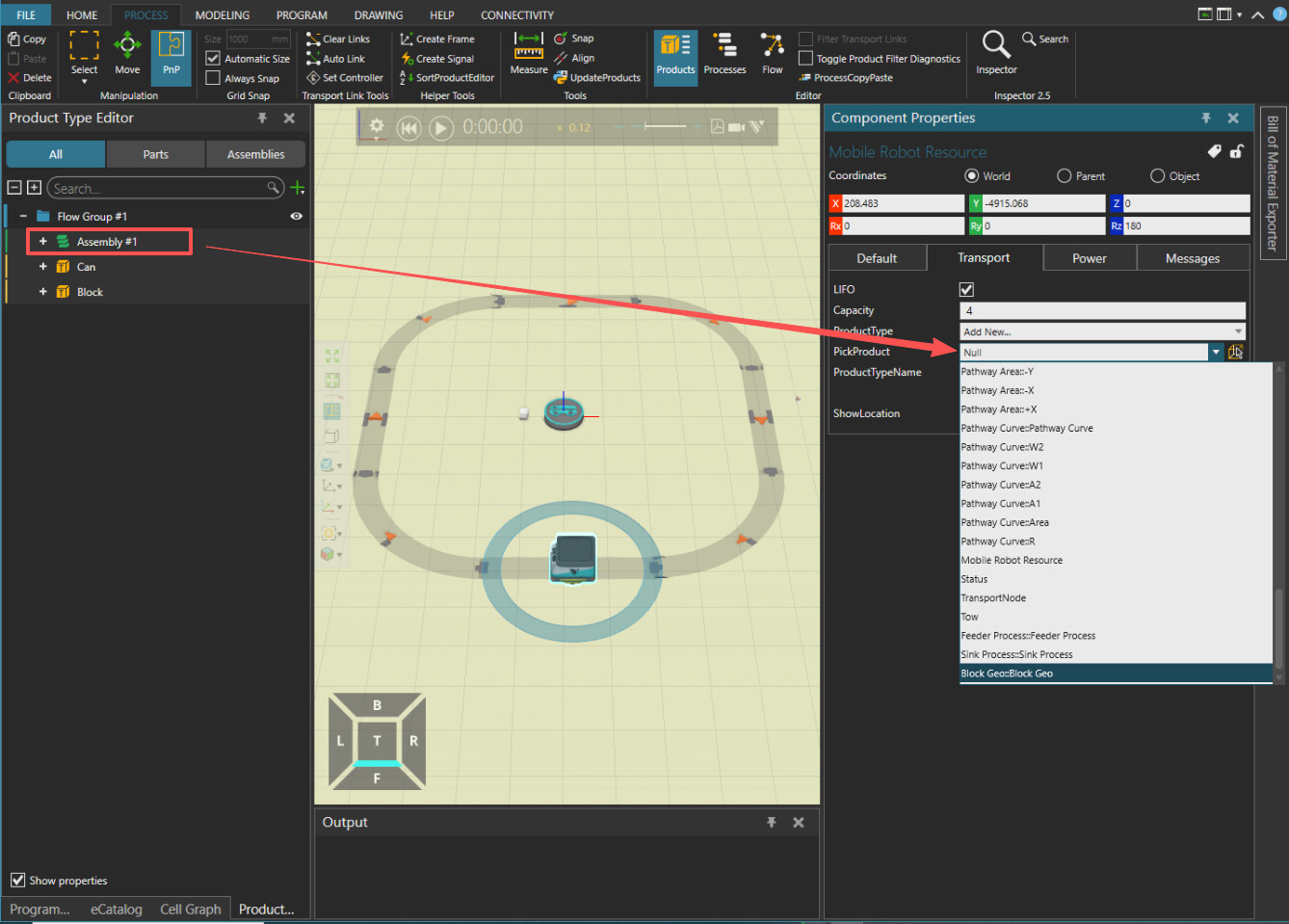
yes it is the correct place. The easiest is to adjust the product position when the simulation is paused and the product is already on the mobile robot. You can create new locations for the different products and their pattern. If you select a created ProductType-Location or the default one, you can click on “Update from product” to update it with the product on the mobile robot.