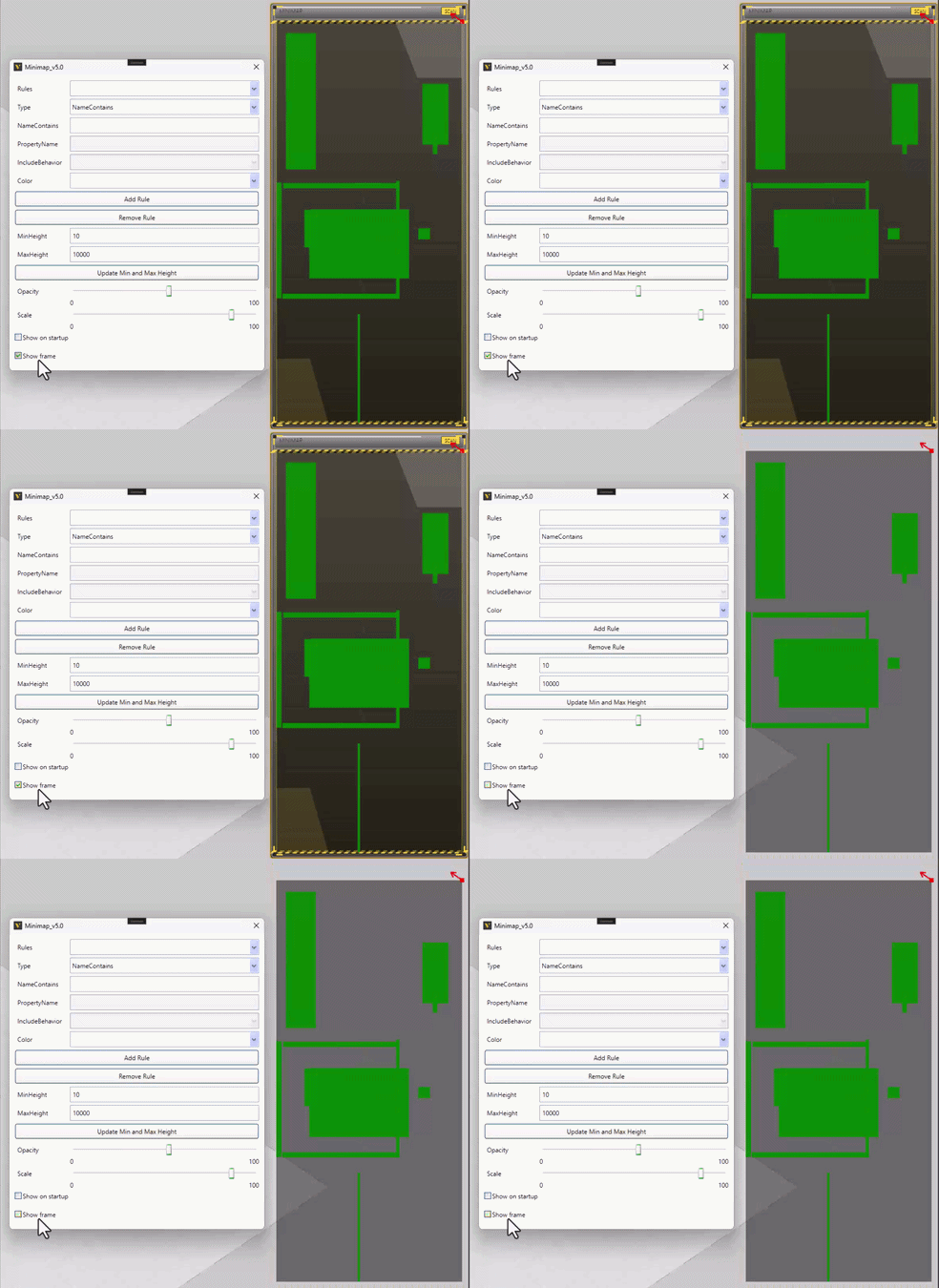
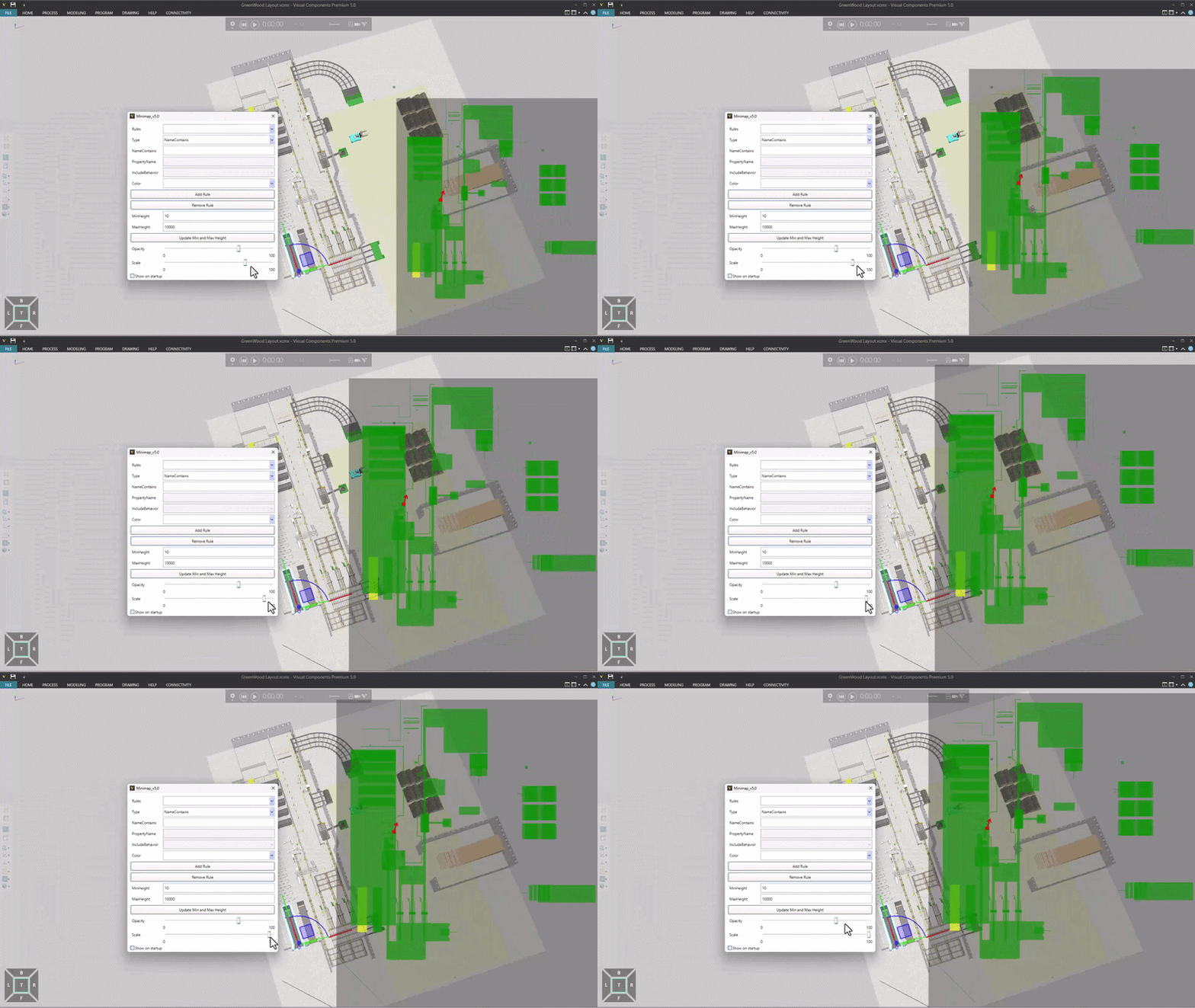
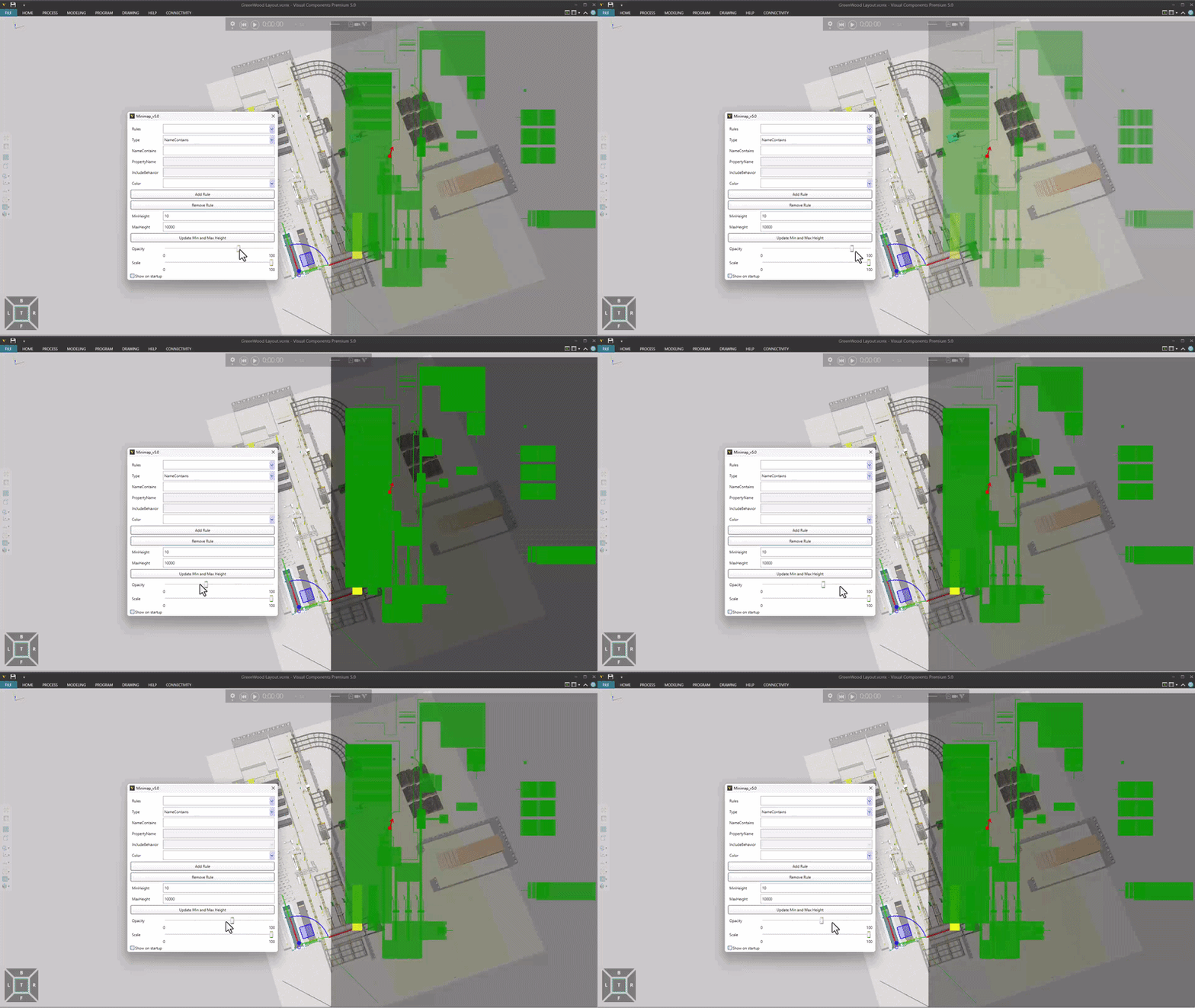
v0.1 - Minimap will not update in the background when canvas visibility is hidden
v0.2 - Add ‘Show on startup’ checkbox
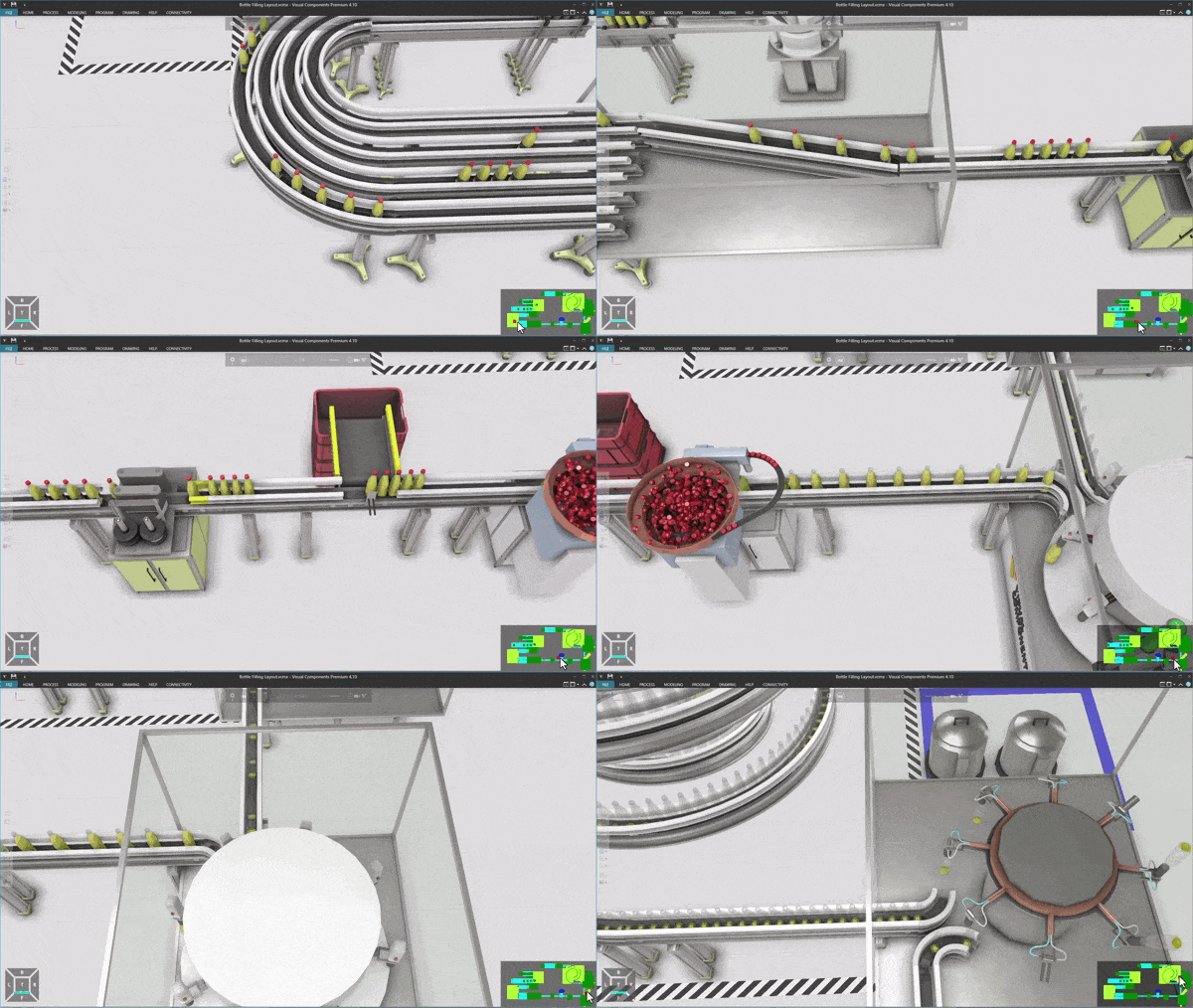
- Press F6 key to activate when there are more than 2 components in the world.
- Camera center of interest: Red rectangle
- Selected components: Yellow rectangle
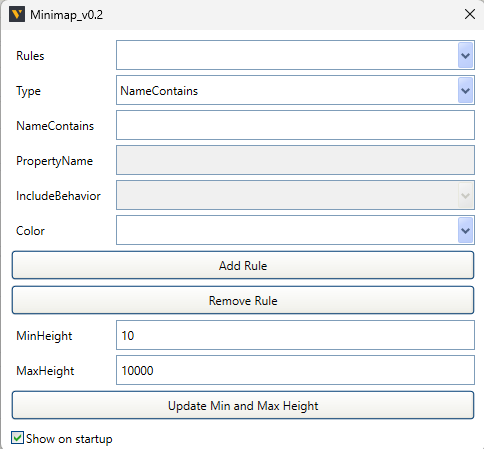
- RMB on the canvas to setup the color settings
- Press ‘Add Rule’ to add color rule
- Press ‘Update Min and Max Height’ after modify MinHeight and MaxHeight values
- Component bound box z > MinHeight and < MaxHeight will be displayed
- Only works with 4.10
- Show on startup: Canvas visibility when VC starts
Unzip .dll file to C:\Program Files\Visual Components\Visual Components Premium 4.10
Plugin.Minimap.dll.zip (9.3 KB)