How to specify different Head Tire Crane execution processes on a Dual Rail Transport Controller? Because there is an interference zone, as shown in the picture

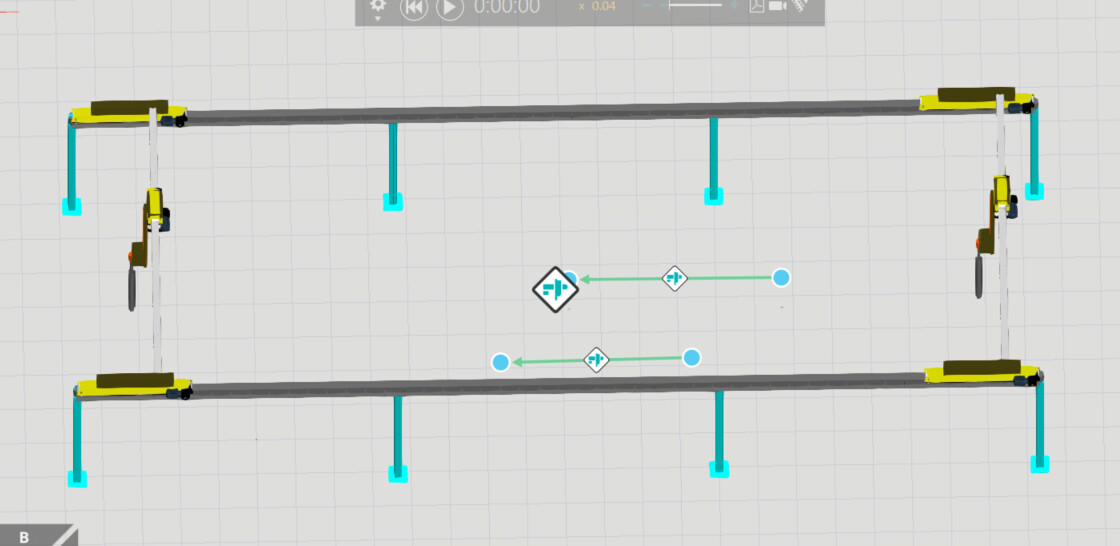
There is no direct way to implement this, as the task is assigned to the closest available crane. When the simulation starts, the task starting time is random.
However, in such a case, you can delay the other process, and that way affect which crane is assigned for each transport.
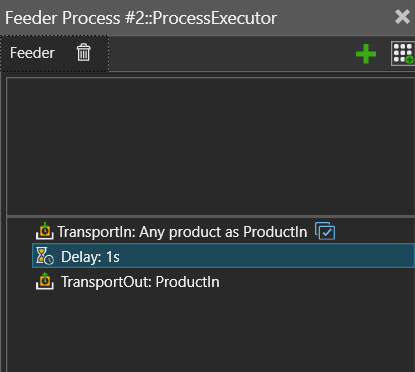
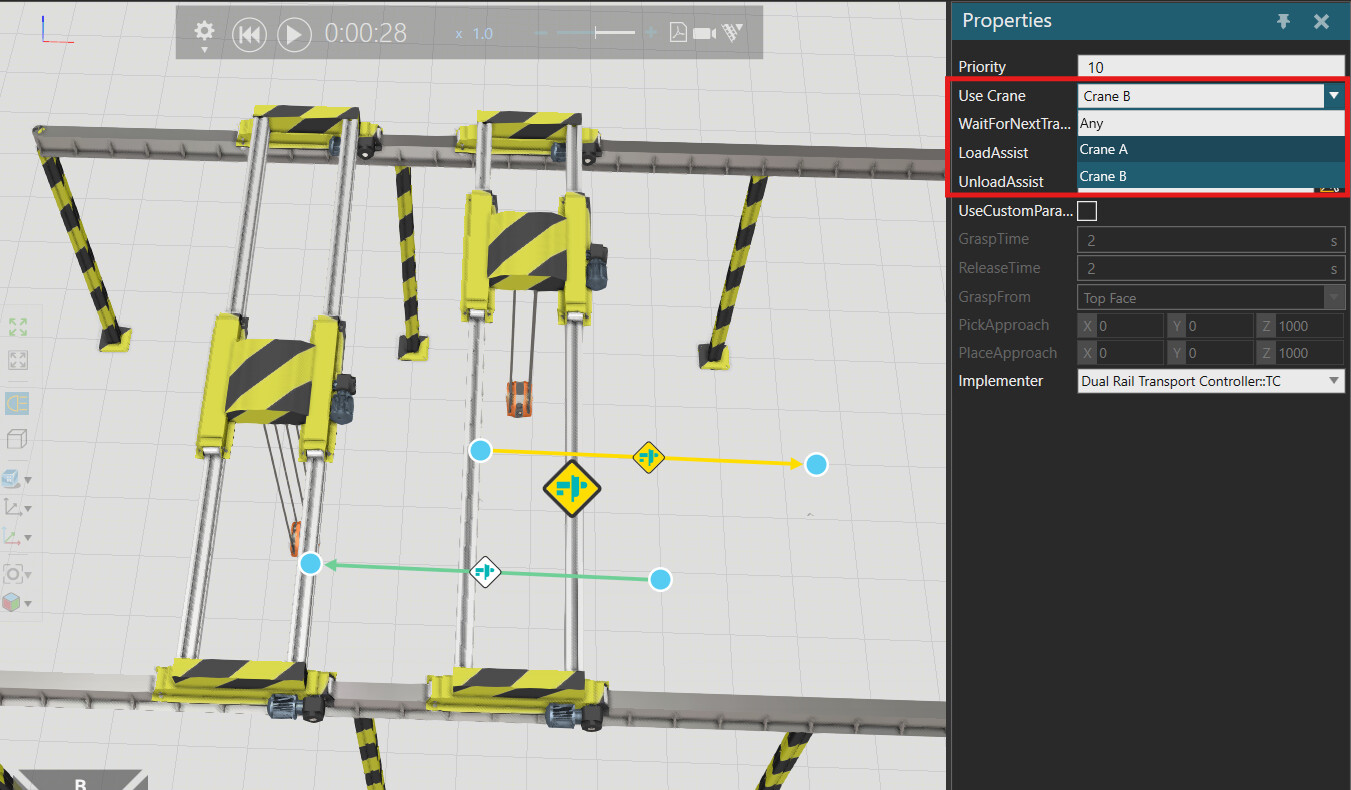
Actually, there probably is a setting in the Transport Link properties to choose which crane in the dual TC handles the transportation.
1 Like
Yes you can define it in the TransportLinks-Properties. You can choose between any crane or one of the cranes.
test_v2.vcmx (504.0 KB)
@Tilma @Este Thank you. It has been solved, but now I’m facing a new problem:
I have a special requirement here. I need to have three Overhead Tire Crane on a Dual Rail Transport Controller. I tried to modify the Dual Rail Transport Controller by adding CraneC, but I found a new problem. CraneC and CraneB may interfere with each other, as shown in the video. How should I modify the MainLogic script?
I've done something similar before
@ease How do you handle obstacle avoidance issues? Can you take a look at which part of the code you modified
I don’t know how to describe it in English because I am Chinese and my English is not very good.
@ease I am also Chinese. What is your email address? I will contact you
我的邮箱1091092141@qq.com