Hello World,
Recently, my boss asked me: Can Visual Components use a .dll file?
So, I found this article: Import a C DLL into Visual Components.
To be honest, I’m not very experienced with this topic, so I just followed the steps and tried to reproduce what the author did.
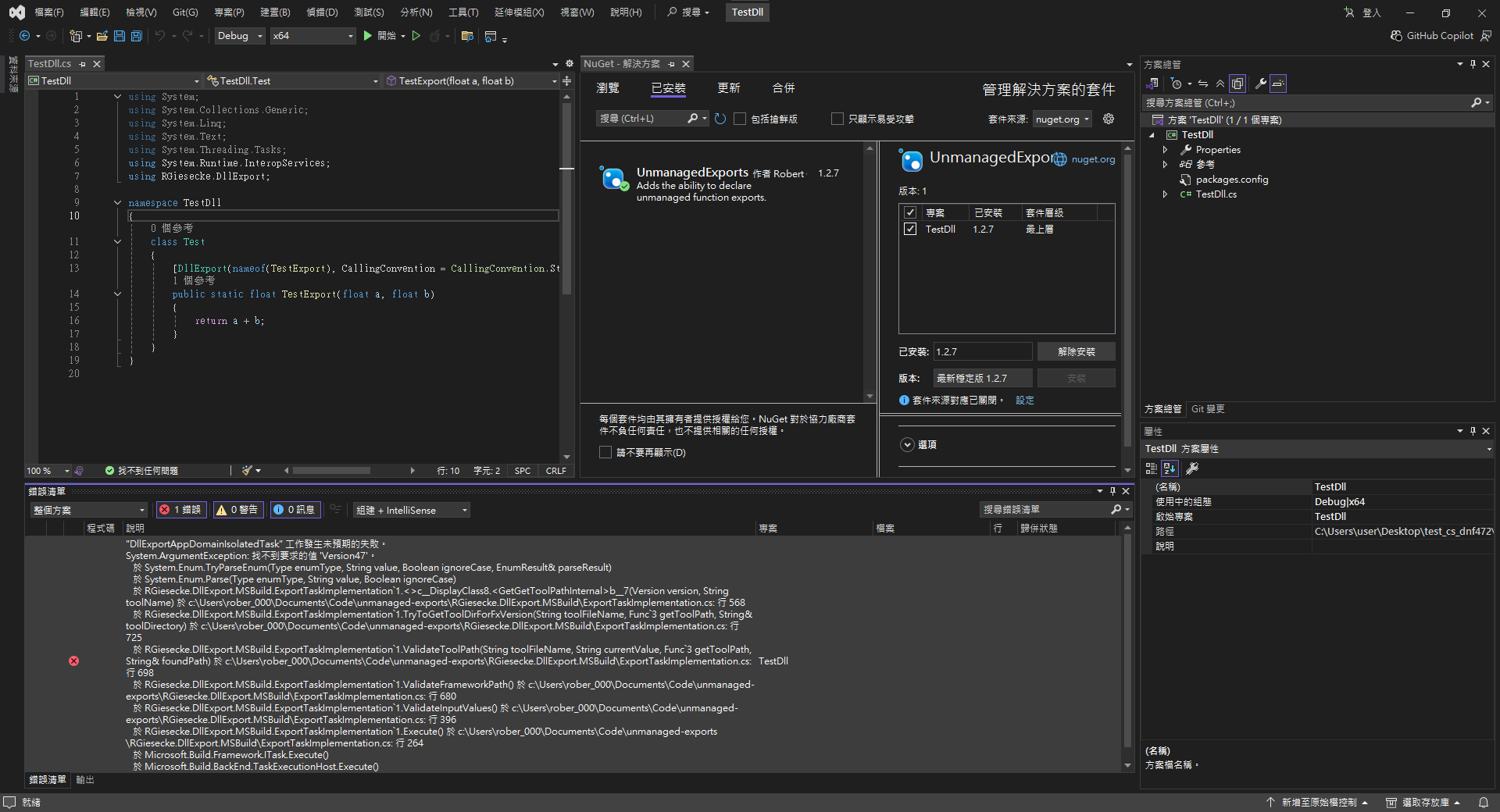
I opened a new Class Library using .NET Framework 4.7.2 (I wasn’t sure which version to use, so I went with the default suggestion) and added UnmanagedExports v1.2.7.
However, it failed and I got the following error messages:
Then, I tried creating a new Class Library with .NET Standard (.NET 8.0) and added the same UnmanagedExports v1.2.7. Although it showed a partial incompatibility warning, at least I was able to generate a .dll file:
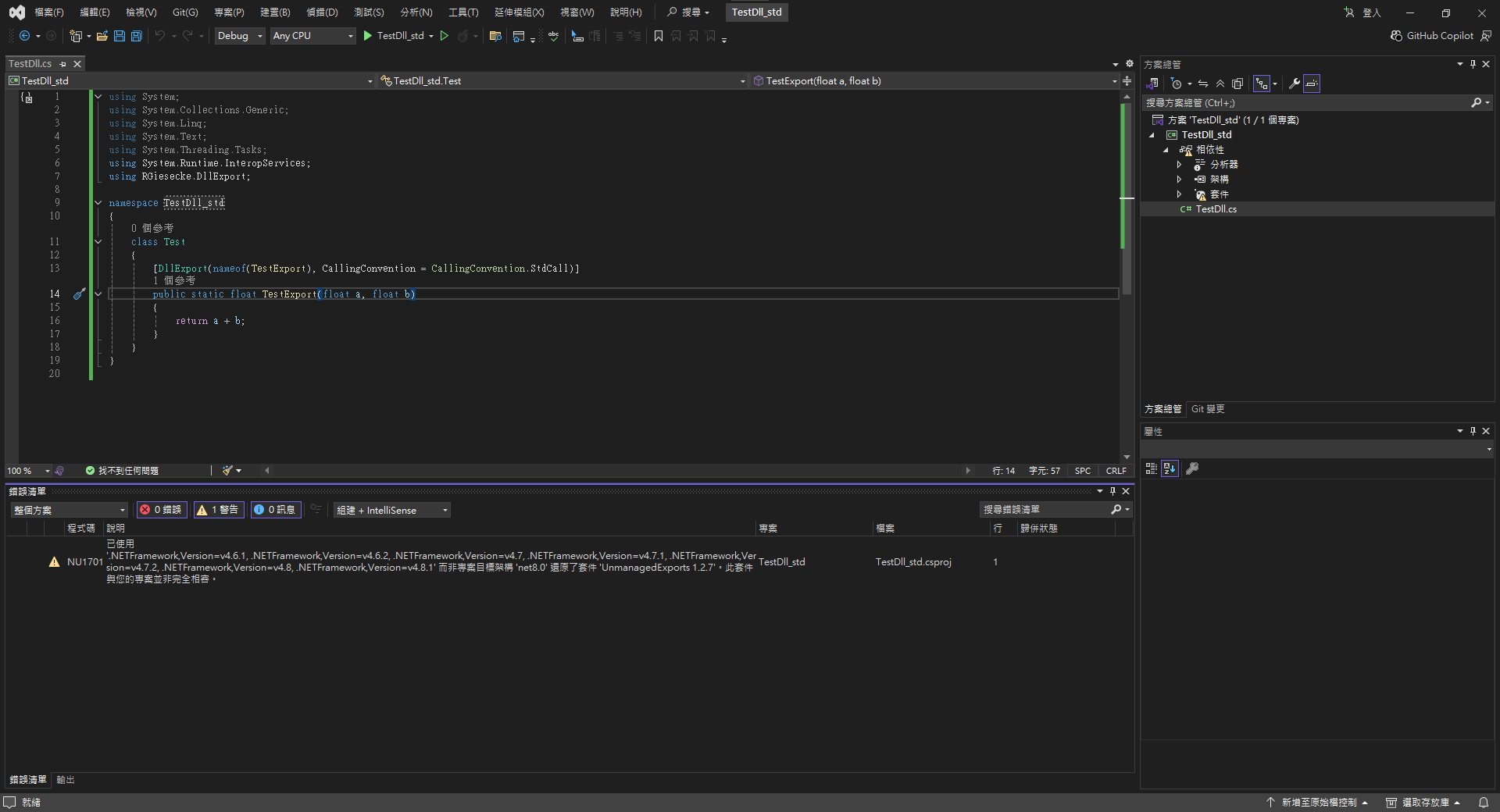
However, VC still won’t accept it  — it cannot find the function name, unlike what the author demonstrated.
No matter where I place the .dll file, it still doesn’t work.
## VC OUTPUTS
Traceback (most recent call last):
  File "Sphere Geo (Ball)::PythonScript", line 10, in OnRun
  File "C:\Program Files\Visual Components\Visual Components Professional 4.10\Python 2\Lib\ctypes\__init__.py", line 366, in __getattr__
    func = self.__getitem__(name)
  File "C:\Program Files\Visual Components\Visual Components Professional 4.10\Python 2\Lib\ctypes\__init__.py", line 371, in __getitem__
    func = self._FuncPtr((name_or_ordinal, self))
AttributeError: function 'TestExport' not found
Is anyone able to give me some tips about import DLLs or point me to a learning path? I’d really appreciate it!
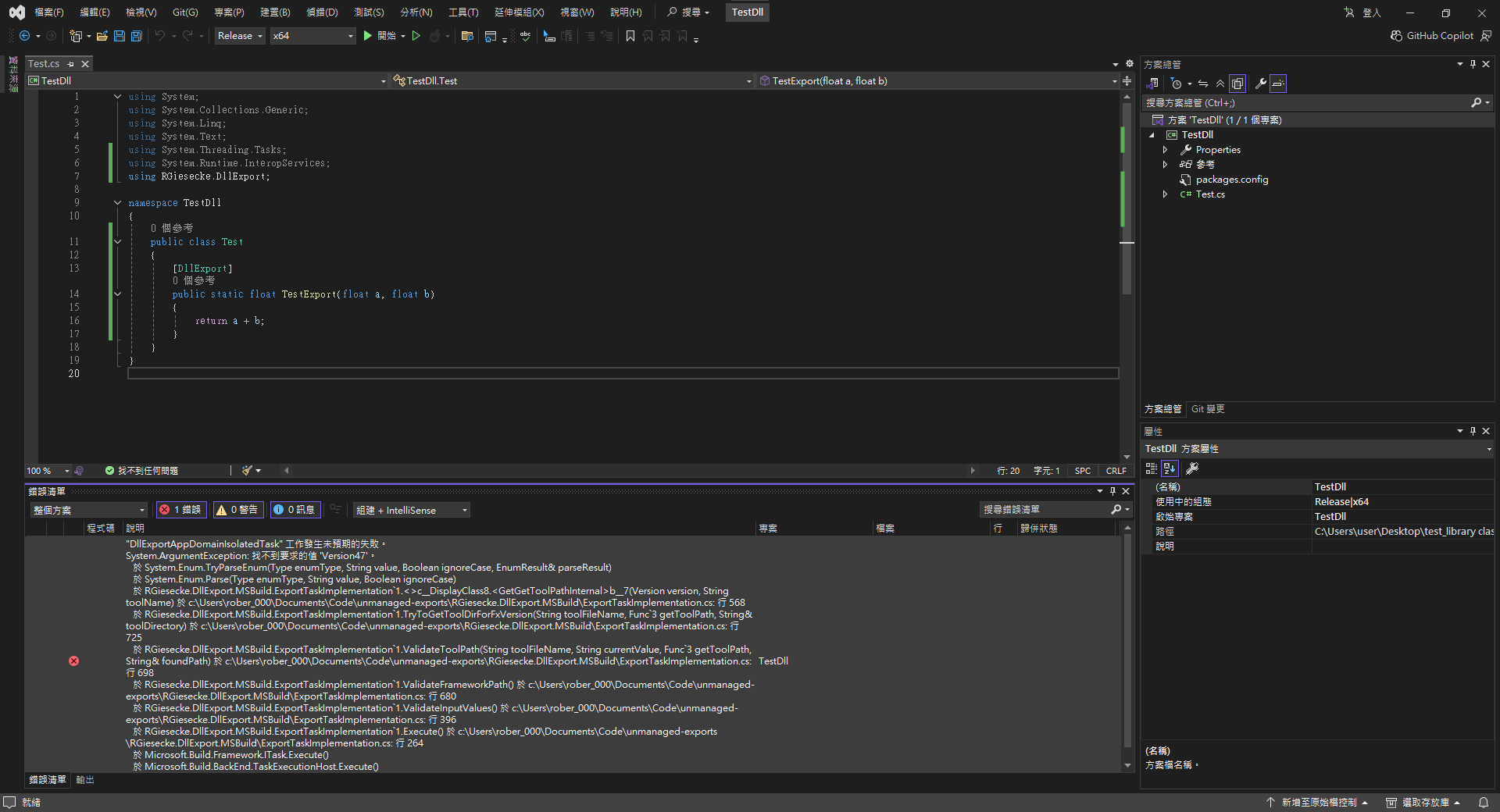
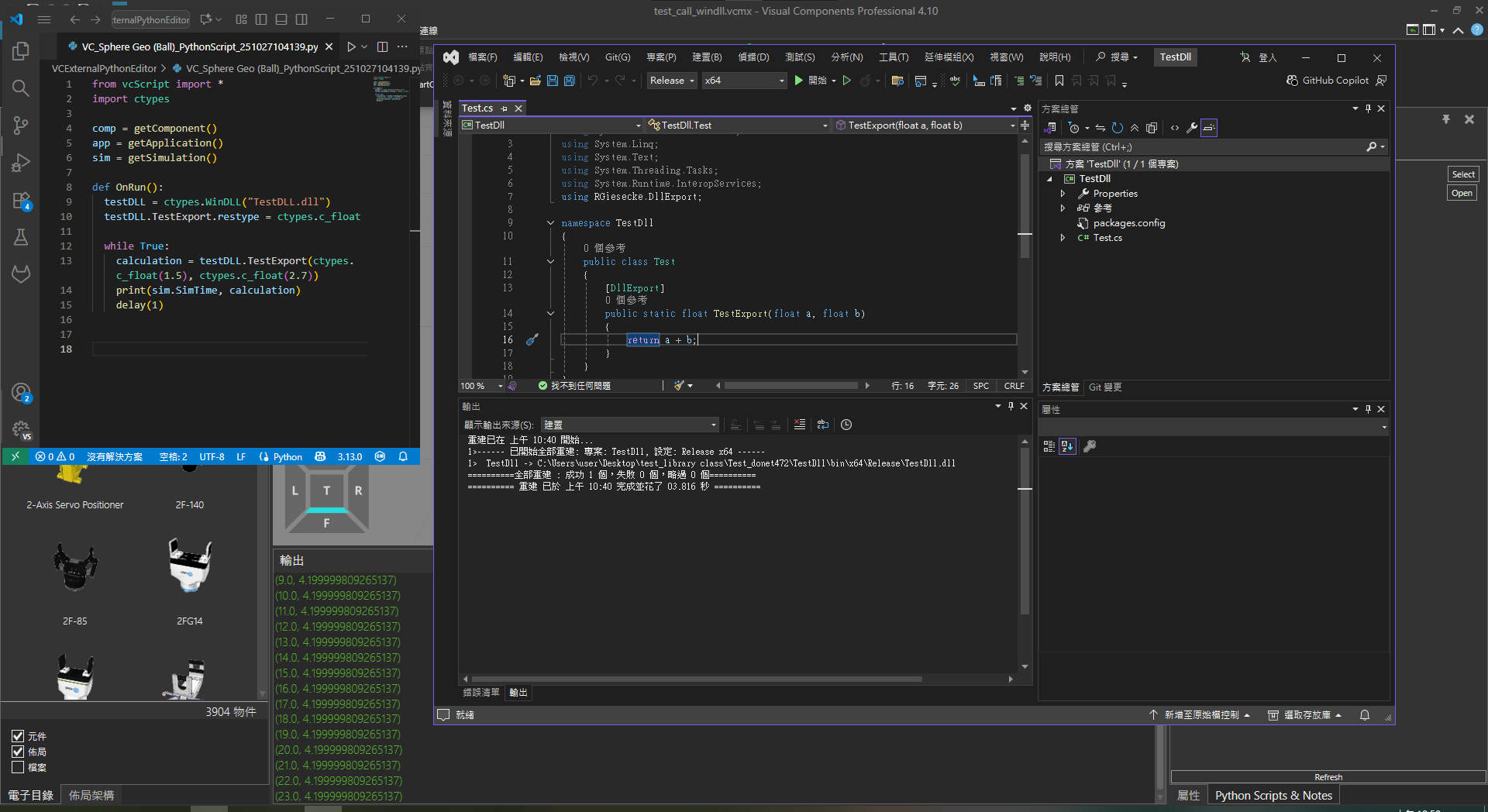
 .
.