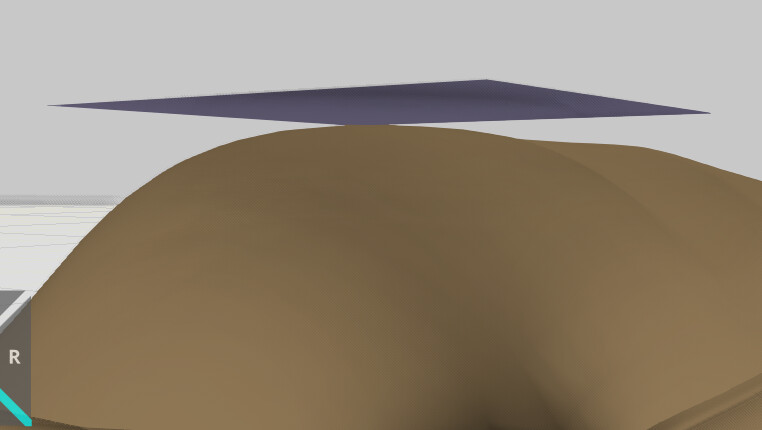
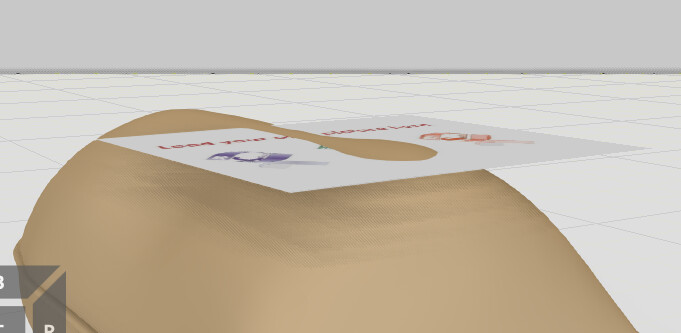
I’m trying to add a logo image to my product in Visual Components using a Picture Frame.
The problem is that the product surface is not flat, so the image does not align correctly on surface.
Is there any method in Visual Components to Project an image onto a curved surface.
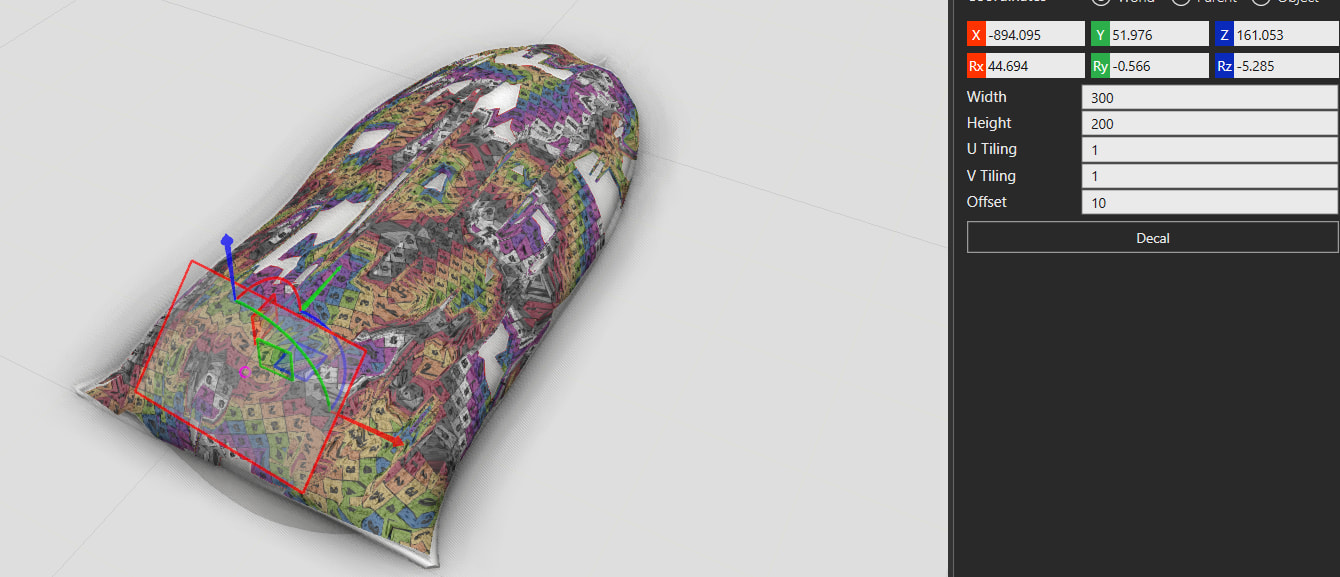
I tried using the Decal option in Visual Components to add a logo to my product.
However, the decal is reflected on the entire object, instead of only a specific area where I want the logo.
@Cool1 This is my first time using the decal tool, but it seems to be a bit unpredictable. I was able to get it to work by slicing a section of the bag and applying the decal to that instead. Hopefully this works for your project