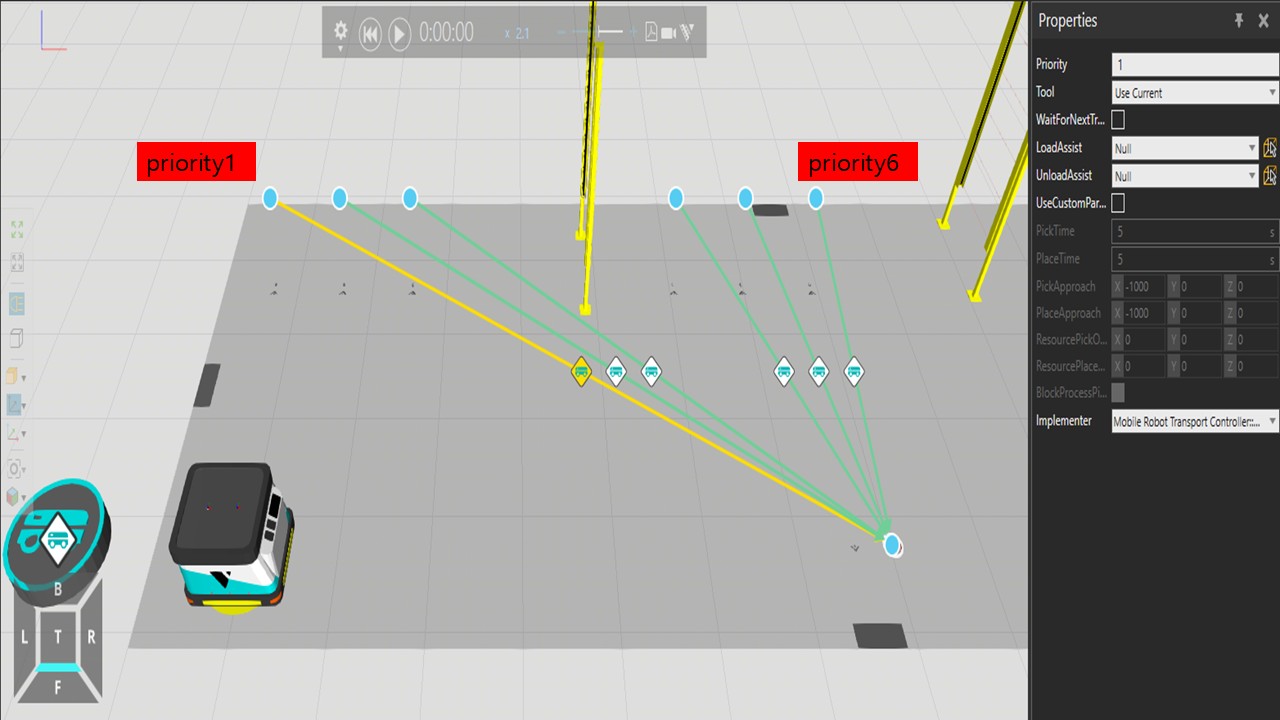
However, the mobile robot starts with priority 6 and goes to 5>4>3>2>1.
I know how to use signal, but in the PM I’m going to actually configure it, it’s complicated with more than 20 connections, so I’m looking for a simple solution.
The transport link priorities don’t, unfortunately, work in this way. What happens is that the Transport Out from your “priority 6” process gets matched with the Transport In of the target sink process. This matching is based on time and is independent of the transport link priority.
When the ismulaton starts and all 6 processes are transporting parts, it’s unspecified and random in what order the transports get matched.
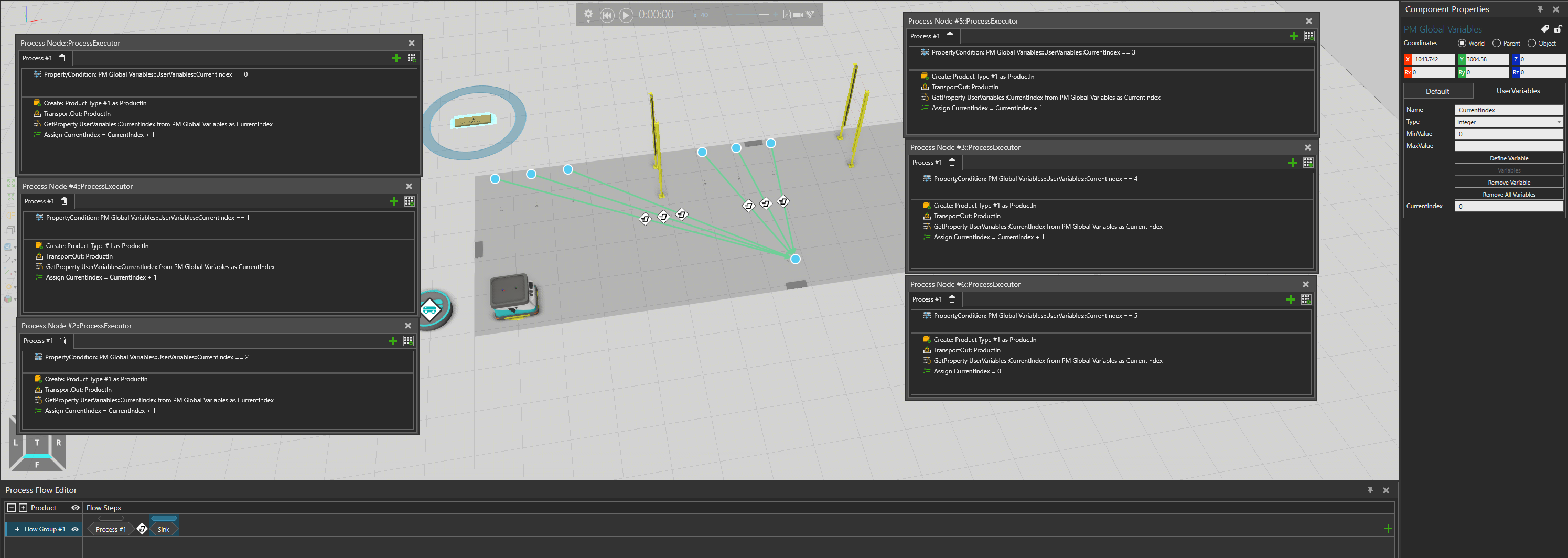
There are some approaches, I prefer to use ‘Property Condition’ to prioritize the product flow, and in this way, each process can use the same name, making connections more convenient.