Hi all,
If I export an image using the 300dpi settings:
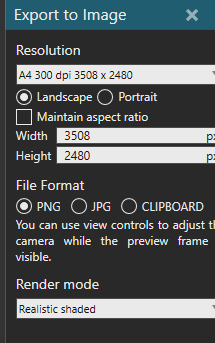
The image becomes 96 dpi:
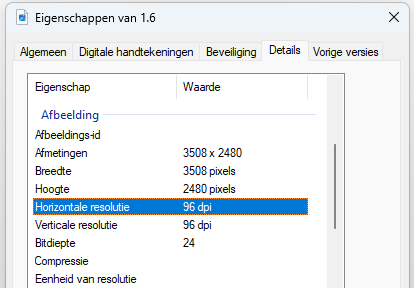
Does anyone know what the issue is here?
Hi all,
If I export an image using the 300dpi settings:
Does anyone know what the issue is here?
DPI is just metadata in PNG files, probably VC doesn’t write that to the file at all.
The “A4 300 dpi” is just to give you an idea of what size of print you can get out of it without the image becoming blurry.
Thank you for the reply! So the image I’m generating, irrespective of the width and height, is the highest resolution I can get exporting from VC?
Maybe you could use the Blenderer AddOn
In the AddOn, under “Advanced” you can choose to open it in Blender when rendering an image or video. In Blender you might have other options for the export resolution.
@Jesper The highest resolution I can handle on my laptop is 4x the 4k resolution. I would suggest playing around with the width and height to see what your hardware can handle.
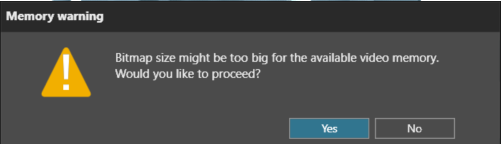
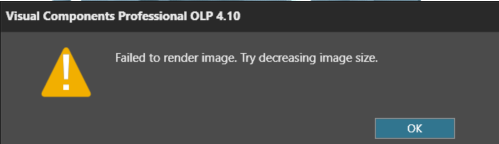
Eventually you will get a warning and then an error when you reach your limit: