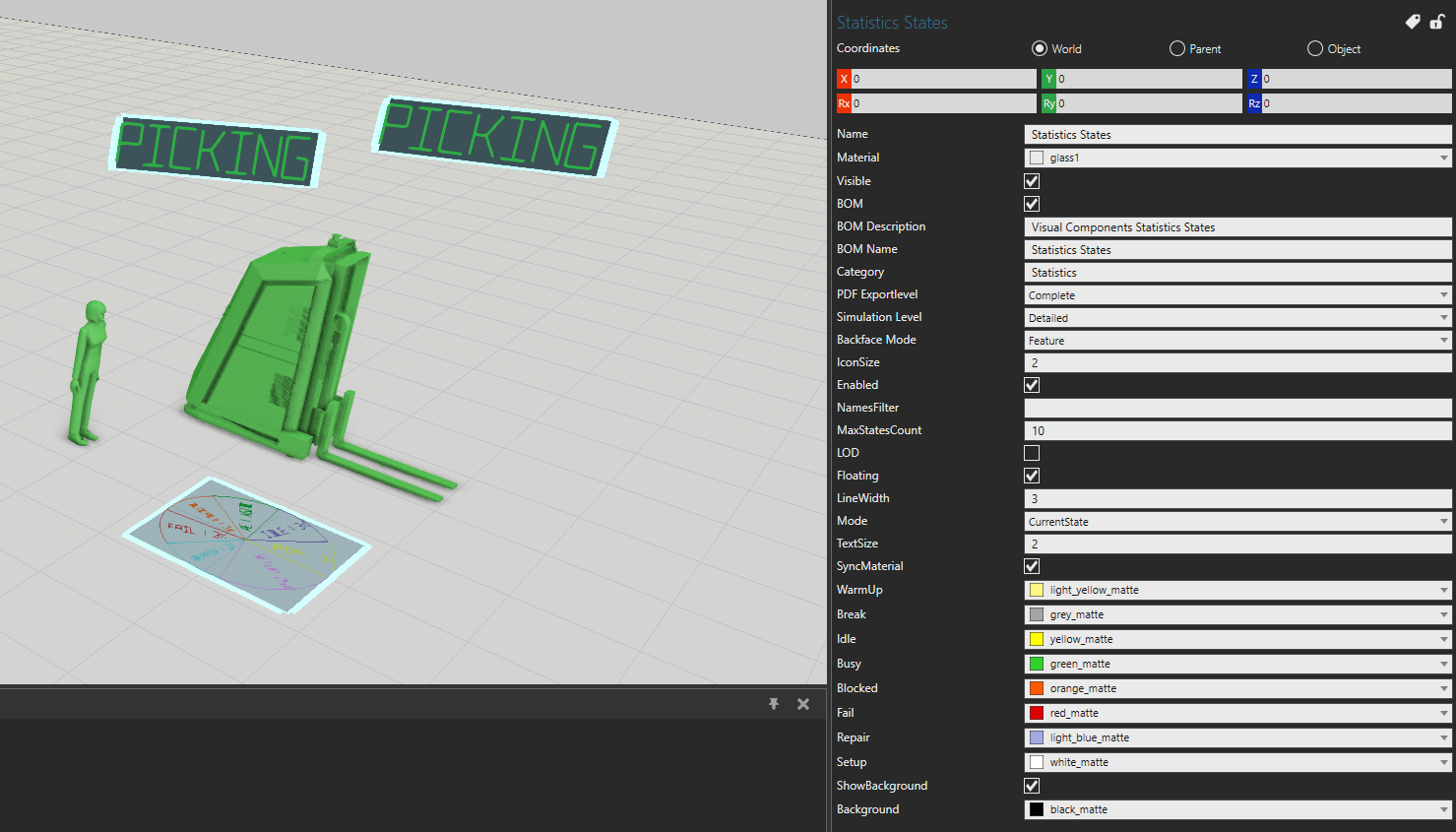
Hi all
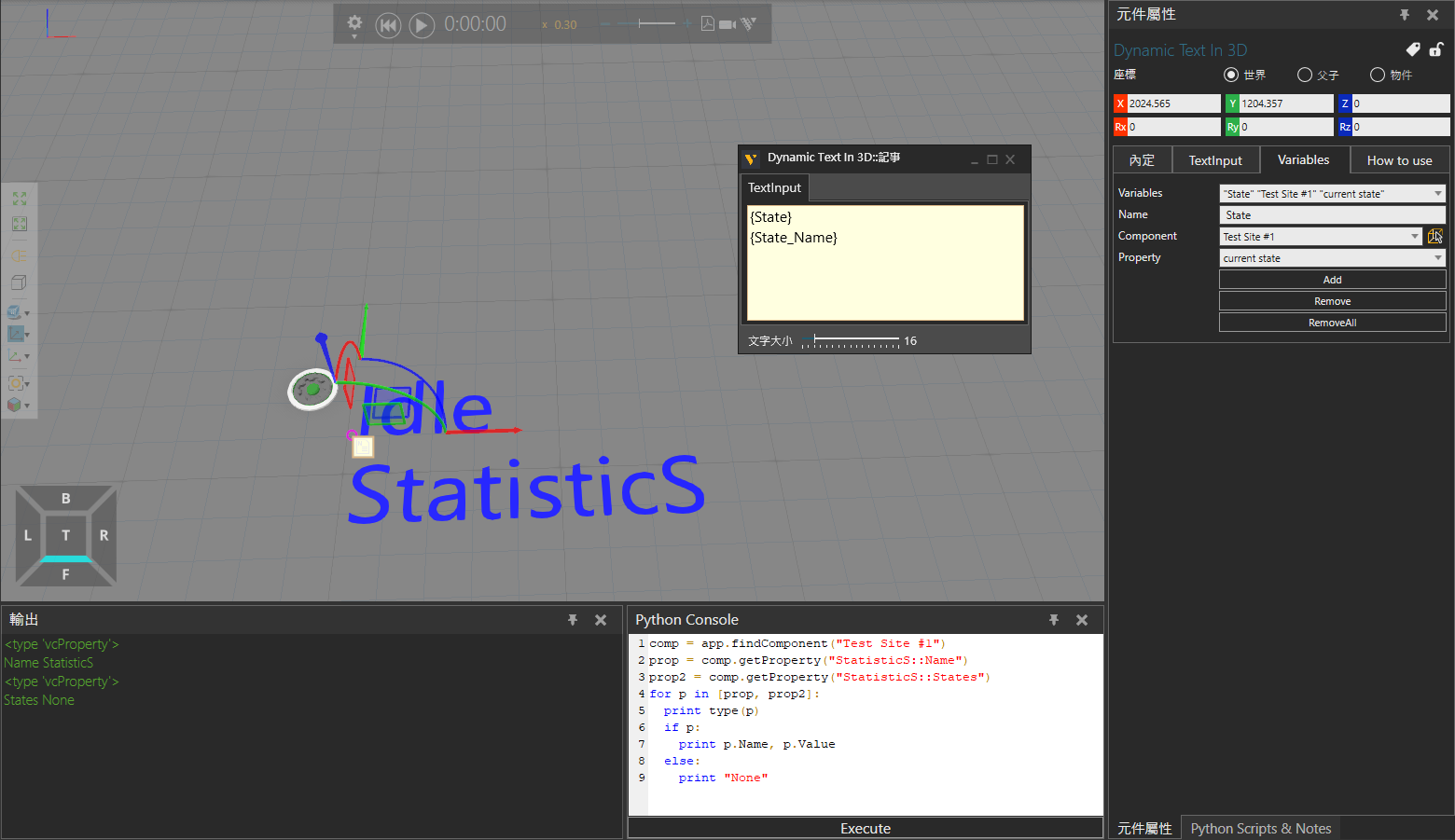
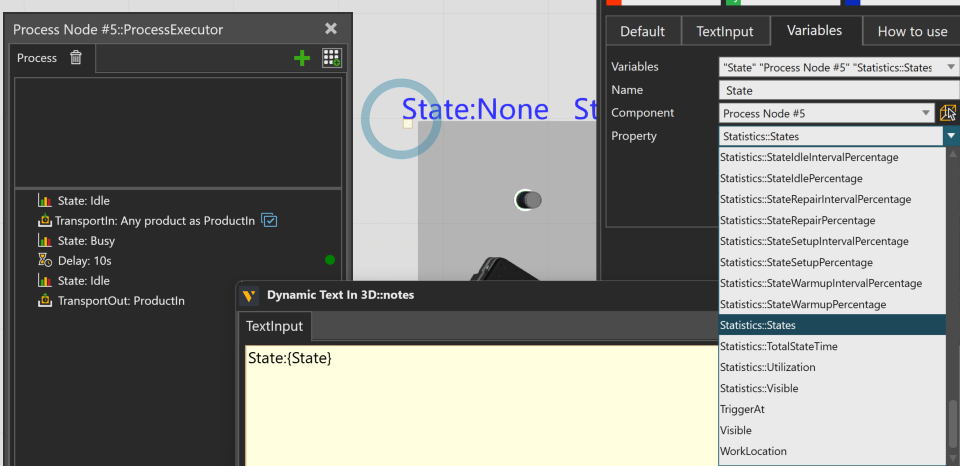
I’d like to show the machine state by dynamic text, I chose Statistics.States, but it shows None in display. What would be the option that I should choose in the drop-down options.
Thanks
Hi all
I’d like to show the machine state by dynamic text, I chose Statistics.States, but it shows None in display. What would be the option that I should choose in the drop-down options.
Thanks
Thanks, but I only need the display for process node. Plus, I prefer no color change. So, it would be better if there is an option in dynamic text component.
Hi Gene,
I think this is because Statistics.States returns a type that the getProperty() method can’t handle.
You can add a script to your target component as follows. It will create a string property and link it to the current state of the component’s Statistics behaviour.
Then let the Dynamic Text reference that property.
from vcScript import *

comp = getComponent()
app = getApplication()
sim = getSimulation()

def get_current_state_prop():
  STATE_PROPERTY_NAME = "current state"
  show_stat = comp.getProperty(STATE_PROPERTY_NAME)
  if not show_stat:
    show_stat = comp.createProperty(VC_STRING, STATE_PROPERTY_NAME)
  return show_stat

statistics = comp.findBehavioursByType(VC_STATISTICS)[0]
state = get_current_state_prop()

def OnSimulationUpdate(simtime):
  global state
  state.Value = statistics.State
Hi Yujie
Thanks for the reply, I have 2 questions that I’d to ask you:
Just add the script to the target component you want to monitor.
Then use Dynamic Text as usual, but refer to "current state", or rename it if you prefer.
eCat is updated, Statistics State is added to the options, followed yujie method as a reference, remove delay approach, use OnSimulationUpdate event to update the text.
Guys, it works! thanks.