Hello,
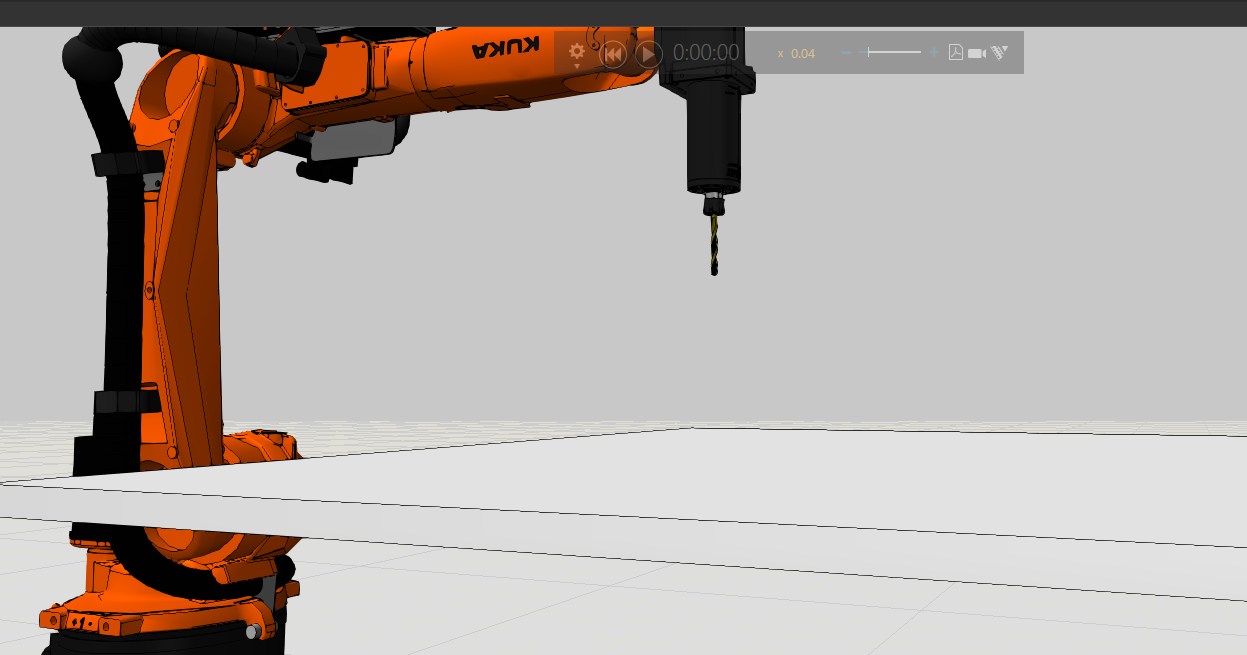
Right now im working in a new proyecto which is a line of pcb and on the line i have a drilling part, how can i see that the drill is drilling the part? I mean using booleans, but do i need any phyton script or something else?
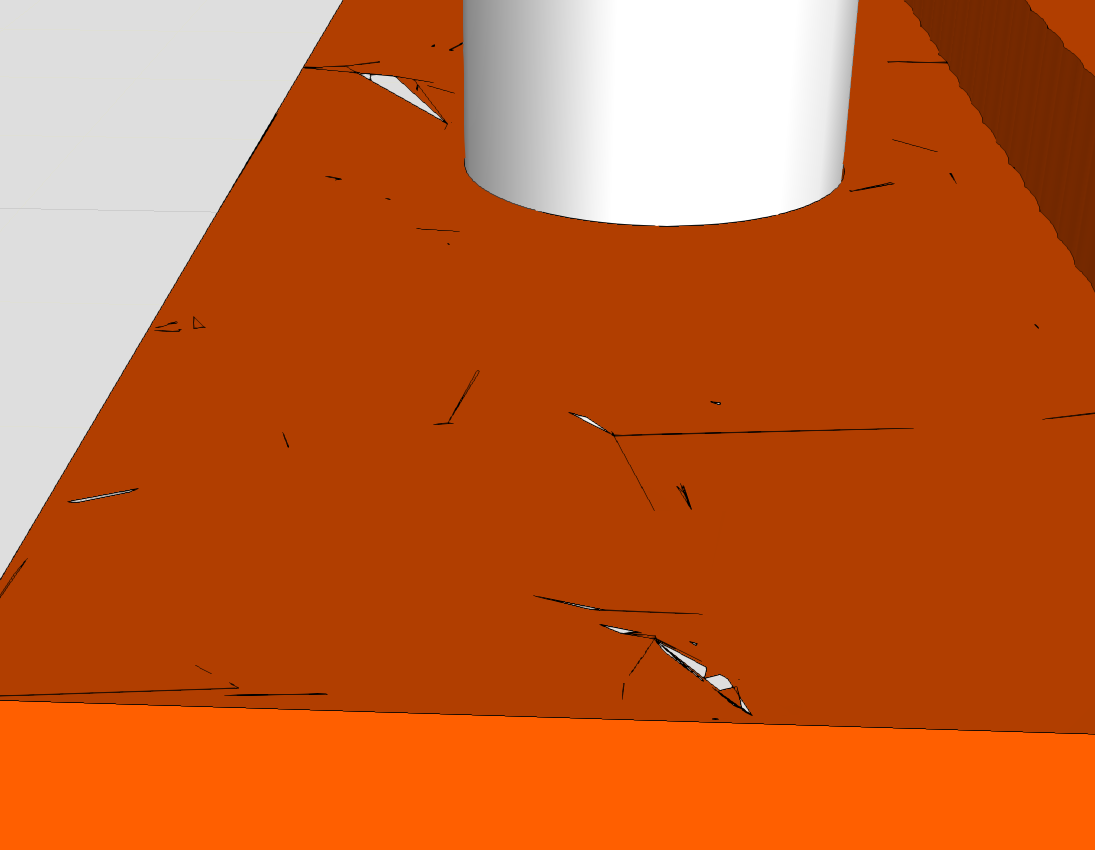
In fact, it’s not too elegant as far as VC4.10 is concerned, but it can be done. The main problem is that if you boolean a component multiple times in the current run, there are tons of broken surfaces appearing on the triangular side, and the end result isn’t pretty.
I’d prefer to do something like the voxel game, where you can turn an arbitrary geometry into very small squares (or whatever), like the “Prepare Geometry” in the paint module, so that hiding it after a collision might be better.
I though other way which i think is easier, the thing is that the pcb holes will always be the same position. For instance the pcb has 4 holes, so if i make the 4 models, each model will have one hole and the last model will have the four holes. Is there any way that in the drill station each time that it drills, the model changes? Like when is drilling the model change to model that has one hole, the same until it changes through all models. So how can i make that change between models?
There are many ways to do this, you can choose to use the Replace Model function in the PROCESS module (provided the model is of type PRODUCT), or you can use a python script to hide or delete the original model and show or generate a new one.