I just made a brand new installation on a new machine and i cant see anything in the working environment, any idea what could cause this?
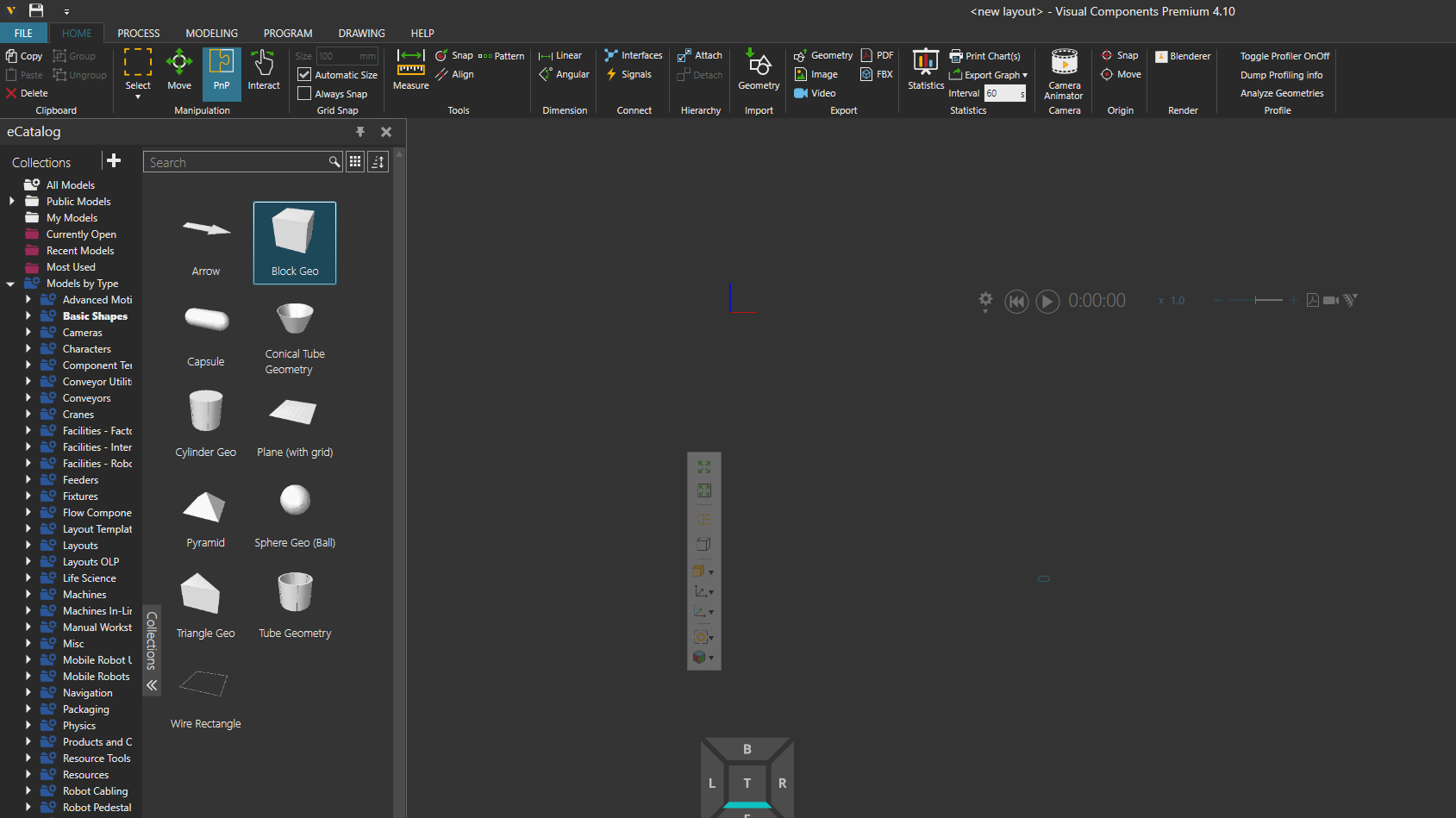
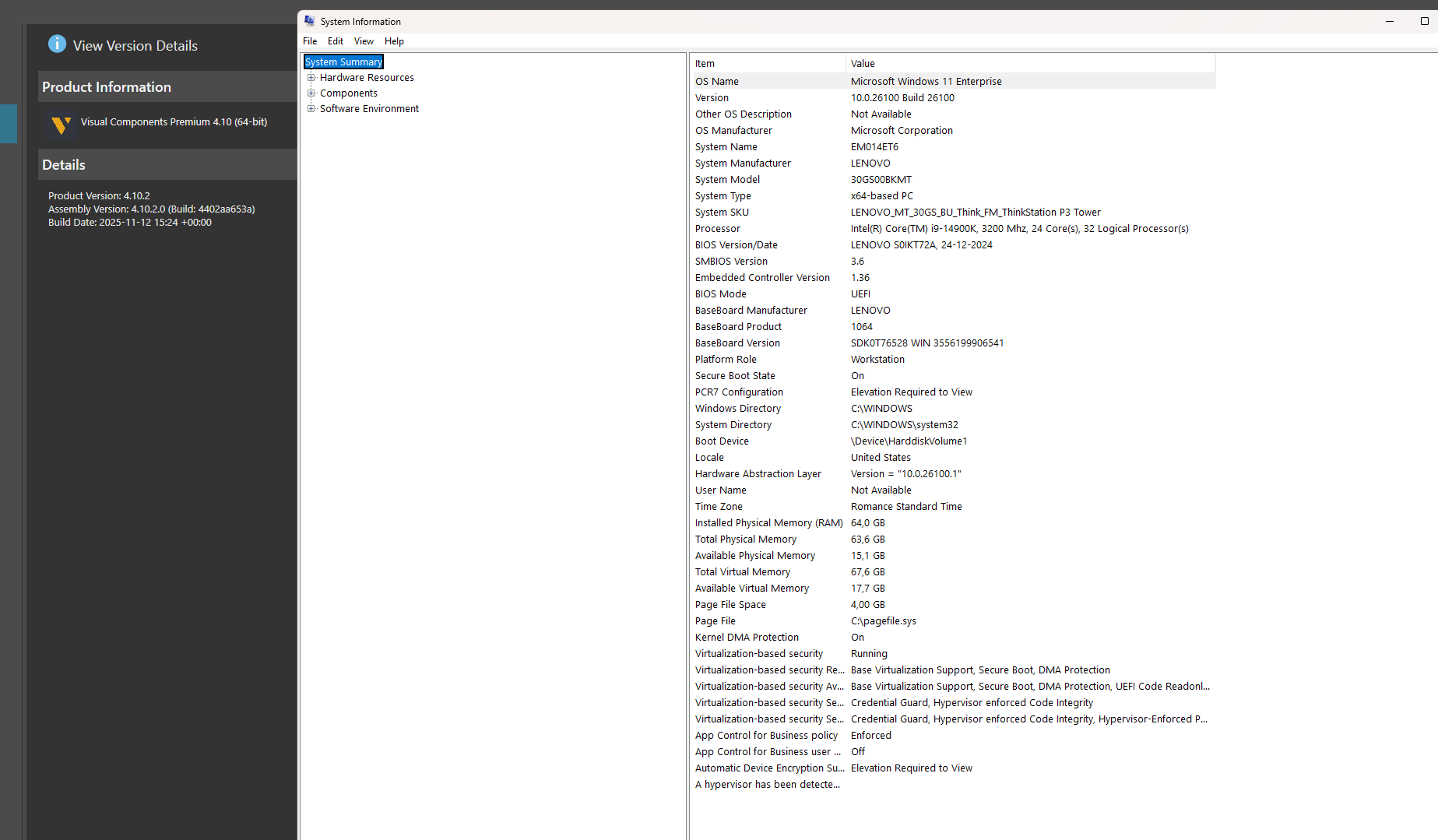
Update your GPU drivers and configure VC to use the high performance discrete GPU if you have one, maybe that helps.
Unfortunately didn’t help… Any other ideas?
By any chance, are you using Visual Components via a remote desktop application?
Yes, i am doing that! Is that an issue?
For using VC through a remote desktop application, you need to enable a setting called “software rendering”. Here’s more information on it: Software Rendering
Note that the setting is hidden if the license type is standalone. With floating network licenses the setting is available. This is because making a standalone license accessible for multiple users at once is forbidden as per the end user license agreement.
1 Like
I am using floating license 
Enabling Software Rendering solved the issue! Thanks a lot KustiH!