Bi-directional Conveyor

Hi everyone,

I’m currently working in Visual Components Premium OLP 4.10 and trying to model a conveyor based on an imported CAD file (geometry only, no behaviors).

I followed this VC Academ

y tutorial on creating a two-way path:
VC Academy 2-way path tutorial


Goal:

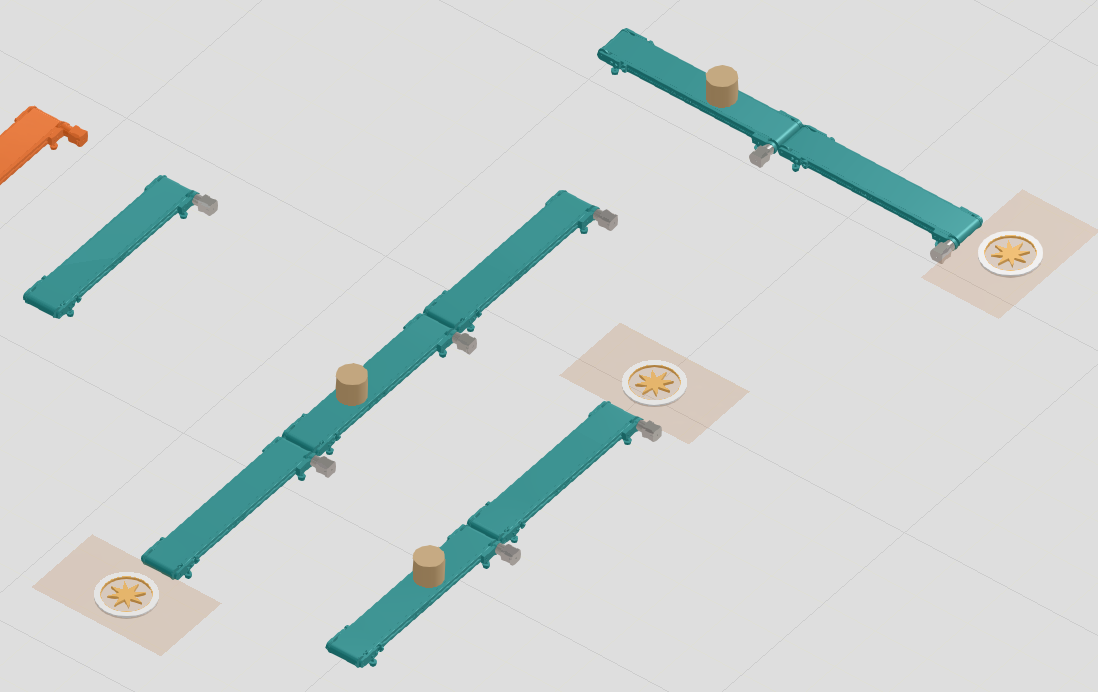
  • Conveyor should always keep the same orientation (motor on bottom-right, since it sits on a station)

  • Multiple conveyors of the same type should connect seamlessly

  • Shape/part feeders should attach correctly on both sides

  • Parts should flow correctly left → right and right → left

  • Behavior similar to eCatalog conveyors (process flow + proper interfaces)


Issues I’m facing:

  1. PnP (Pick & Place) attachment inconsistency

    • When attaching two identical conveyors, the connection does not always work correctly

    • If I change the attaching order, it sometimes works → seems inconsistent / not robust

  2. Feeder attachment problem

    • A shape feeder on the right side works → flow is correct

    • A shape feeder on the left side does not attach properly

    • The interface seems asymmetric even though the conveyor should be bidirectional

  3. Flow direction behavior

    • I want the conveyor to support both directions without rotating the model

    • Currently, behavior depends on how it is connected


What I’ve tried:

  • Followed the 2-way path setup from the tutorial

  • Checked interfaces and connections

  • Tried different attach orders

  • Verified that the CAD model has correct geometry


Questions:

  • How can I make the interfaces symmetric, so feeders attach correctly on both sides?

  • Is there a recommended way to lock orientation but still allow bidirectional flow?

  • Should I handle direction logic using Python scripting instead of path setup?

  • How do eCatalog conveyors handle this internally (process flow nodes vs interfaces)?


Expected behavior:

  • Plug-and-play connection like eCatalog conveyors

  • Consistent attachment regardless of order

  • Feeders attach correctly on both ends

  • Smooth bidirectional flow without flipping the component


Any guidance or best practices would be really appreciated.

Thanks in advance!

band_bidirektional.vcmx (555.5 KB)

Don’t have a solution, but I tried this myself and attaching components is inconsistent even if you take the conveyor piece from the Academy tutorial. I’m not sure what logic it uses to decide which ports to connect, if there are multiple.

In any case I put in a support ticket about this. Maybe there’s a way to better control it or maybe the dev team should address this.

@hanslow not sure if you already resolved this question. Meanwhile I was discussing this with VC support and was able to get some useful information on the topic. They also mentioned the academy lesson might need an update, since it’s several VC versions old at this point.

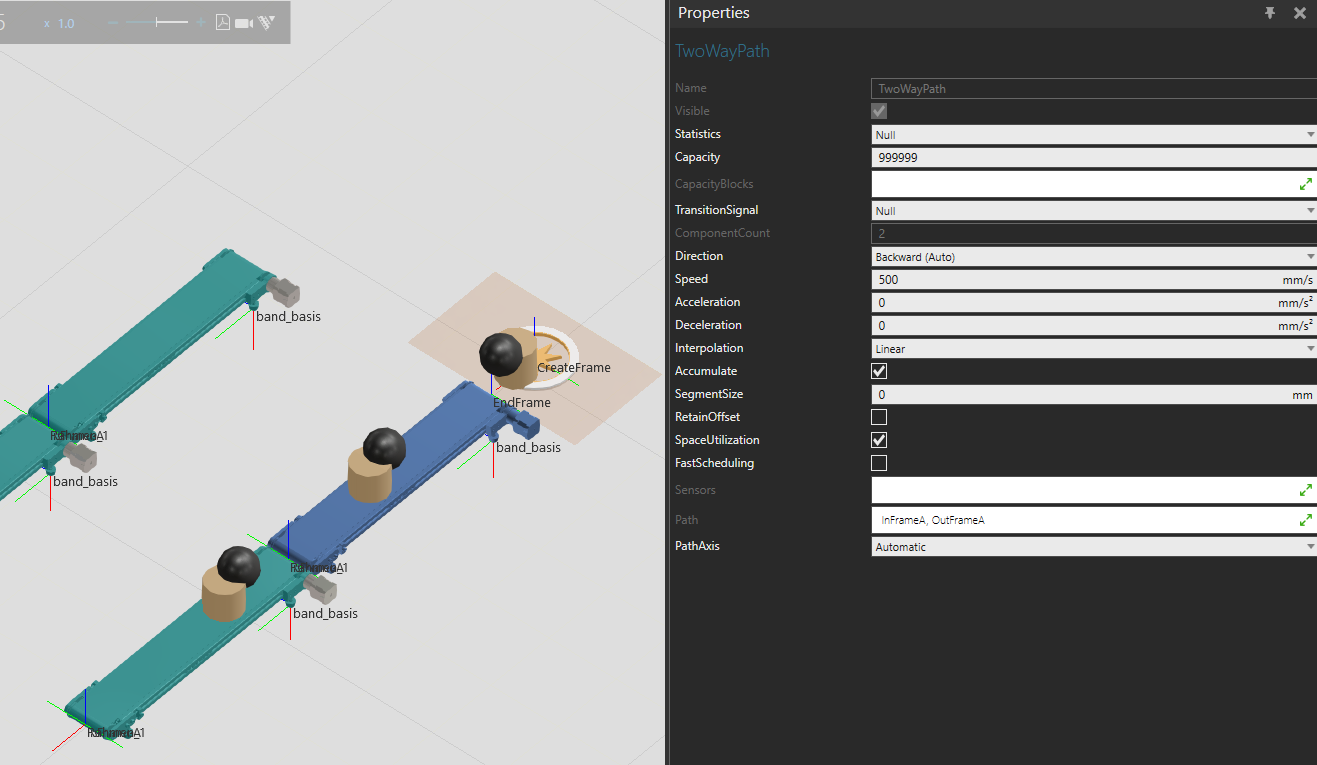
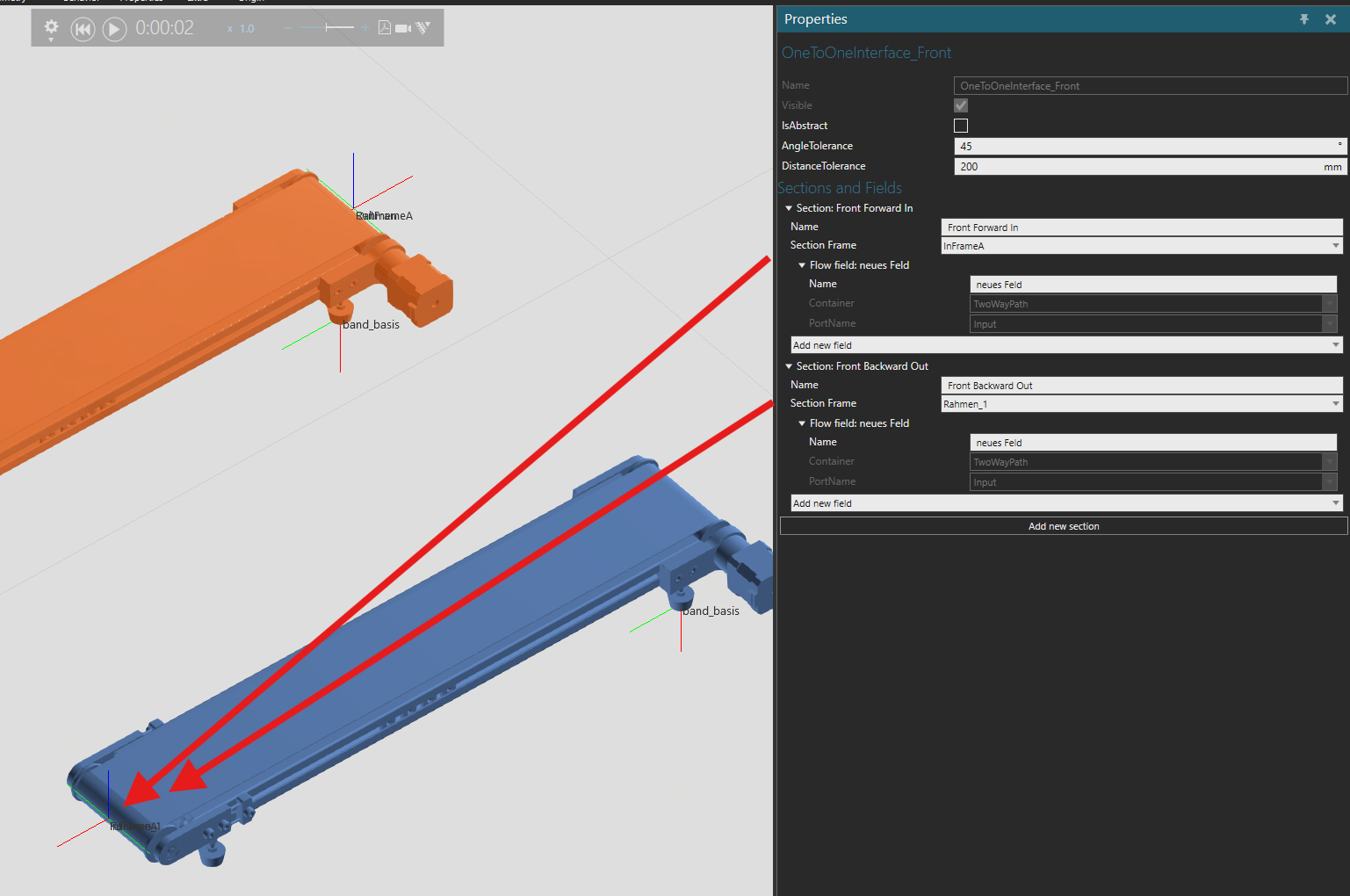
Have a look at the attached example (orange piece is your original, blue is changed)
band_bidirektional (1).vcmx (990.5 KB)

Changes done:

  1. Change both interface AngleTolerance → 45 and DistanceTolerance → 200. This makes the PnP connection much more consistent with the ports you want to connect.
  2. Changed connected frames, changed interface naming slightly for clarity. Consider that one interface is always at a certain point on the component. Both frames (in frame one way, out frame other way) should connect to the same port of the interface.

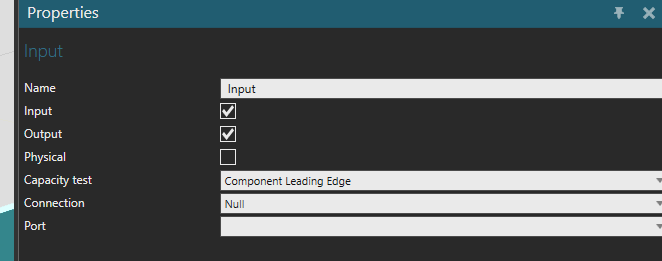
In this case the “front” interface has both frames connected to the input port of the path (and under the path port properties the port is set to act as both input and output).

Same for the back interface. Both frames are connected to the output port.

With these changes, connecting seems consistent and products move forward or backward automatically, depending on from where they enter.

A few more important points:

  • The frames acting as the section frames do not need to be in the path itself. (as you can see path is defined by 2 frames, but in the interfaces, there’s a total of 4). During the transition the product teleports from the port to the start of the path.

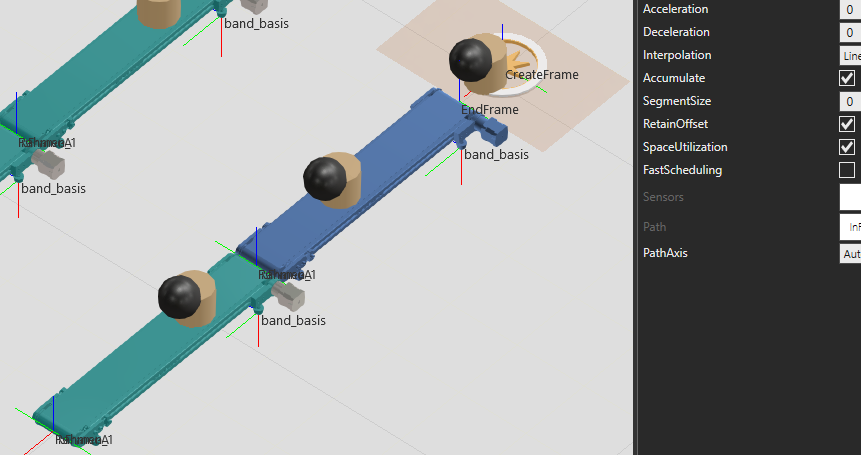
  • By default, products entering from the other direction flip 180° as they get moved from the port to the start of the path. To keep their orientation (both xyz and rotations), set RetainOffset → True in the path properties.
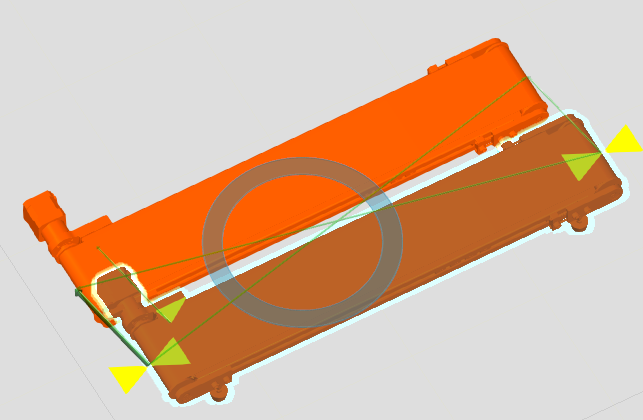
  • Direction could be controlled by a signal and a script, but in this case it’s also automatic depending on the product flow direction.


:globe_with_meridians: Here’s some more in-depth info on interfaces and flow connector ports, if you want to learn more:

  1. One to One Interface
  2. Material Flow
1 Like