For component creation, one option is to manually move the parts where you want them (see attached component).
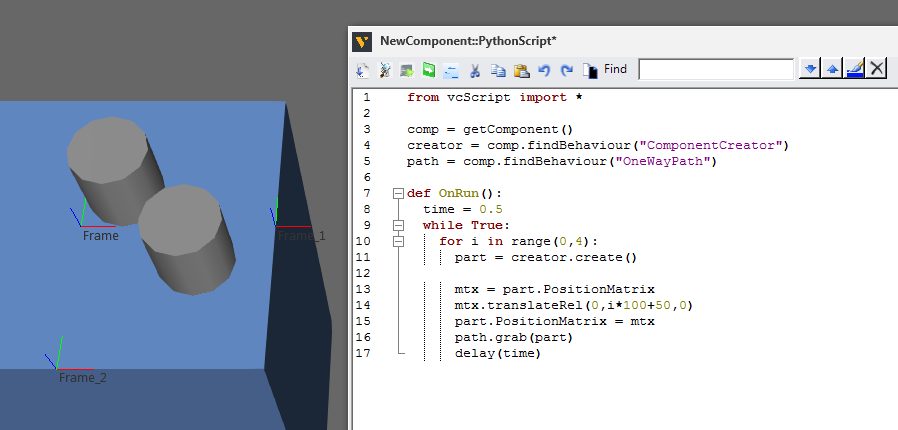
So you could buffer the parts in a container, readjust their position, and then feed them to a path that retains the offset of each part.
For space utilization of a path, that is tricky in simulation without physics. For example, if you are working with small parts they each take up their own block/segment of the path, so you will sometimes get a weird looking gaggle of accumulate parts.
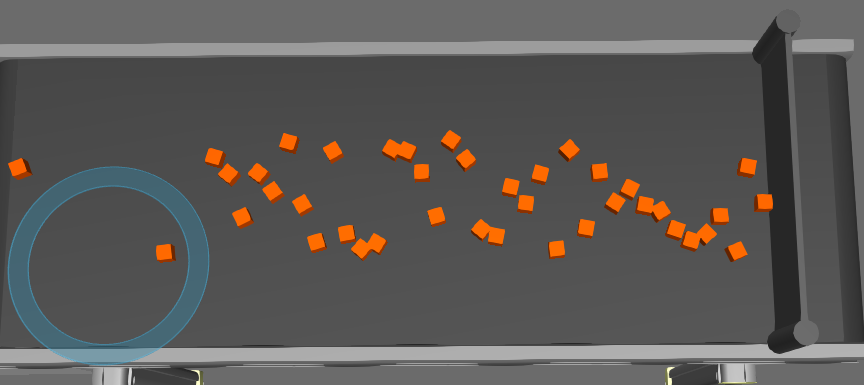
There is magic to workaround this issue, but always focus first on what is most important to visualize in simulation. If you need products side-by-side on the path a buffer conveyor or pusher could do the trick.
With the Works library, you can teach different locations for parts using product ids or define a pattern, merge them to move together, and then split them up using task or detach them using script.
Hope this helps.
Feeder-Example.vcmx (25.1 KB)