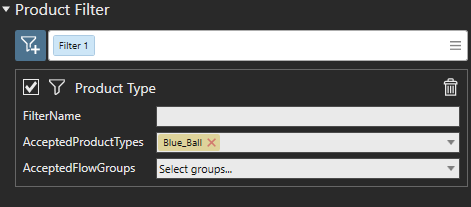
Hi everyone,
I’m facing a problem with the assembly process in Visual Components and I would really appreciate your help. I’m currently using Visual Components 4.3 Professional btw.
As you can see in the attached file, (and in the screenshot), I have an assembly where I want the robot to place a red cube in the center of a pallet first, followed by two blue spheres—one on the left and one on the right. The robot at the center is responsible for performing these actions. Like this:
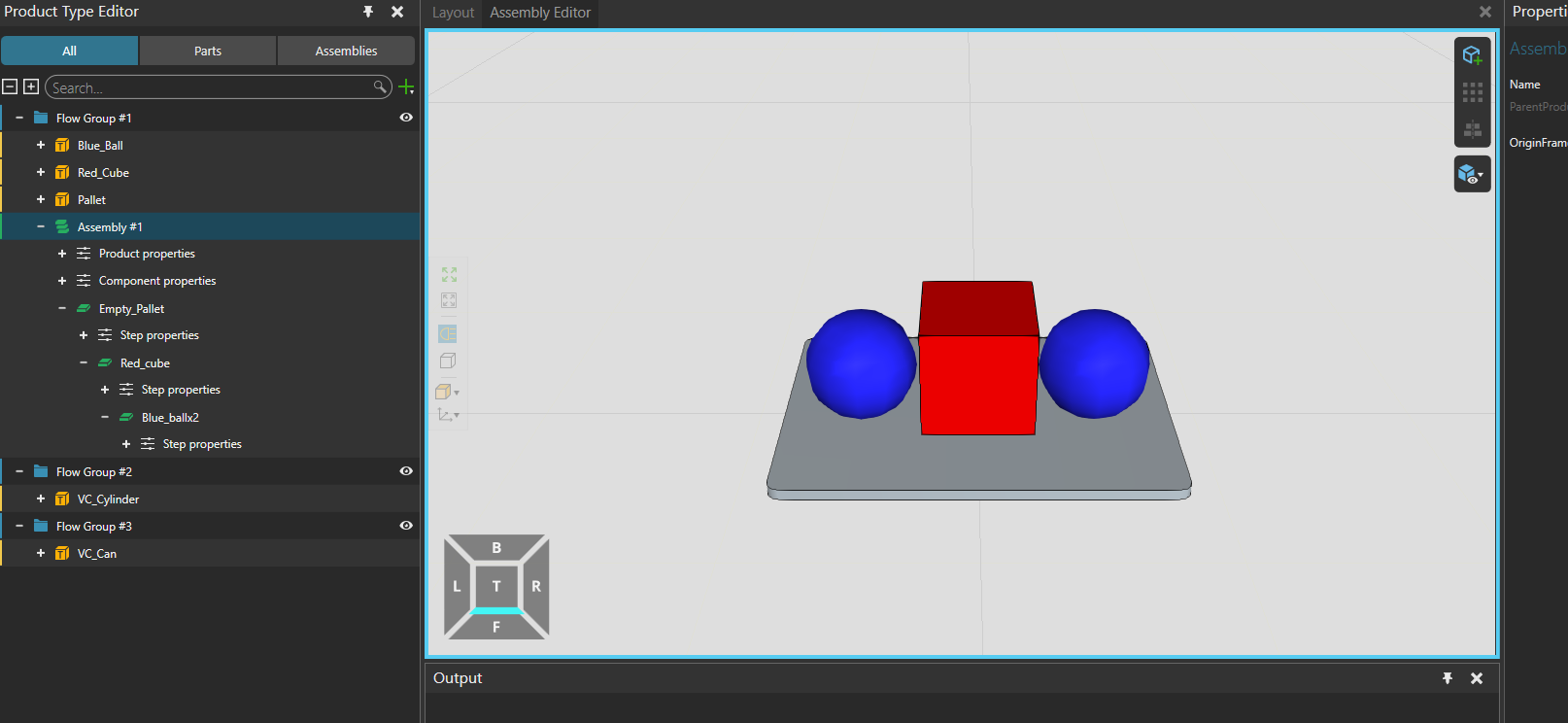
The intended sequence for each new pallet arriving at Process#1 is as follows:
- Robot places a red cube in the center.
- Robot places a blue sphere on the left.
- Robot places another blue sphere on the right.
This process should repeat the same way for every new pallet.
However, even though I believe I’ve set the correct order indexes, the simulation behaves differently:
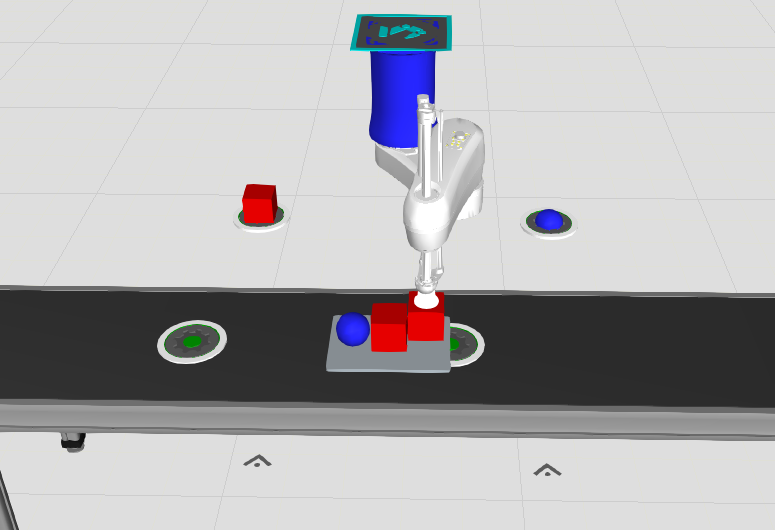
- For the first pallet, the robot picks a red cube, then a blue sphere, but then picks another red cube instead of a second blue sphere. (see the image below)
- For the second pallet, the robot starts with a blue sphere, then places a red cube, and then picks another blue sphere. (see the image below)
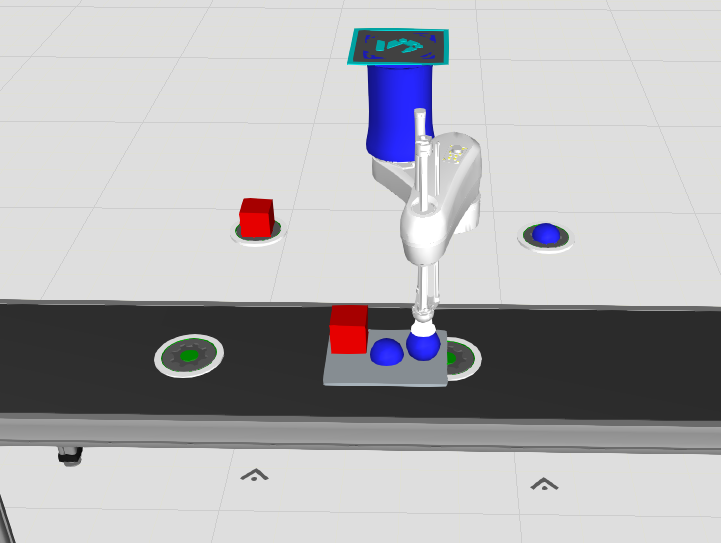
This is not the behavior I want. I need the robot to always follow this strict order:
Red cube (in the middle) → Blue sphere (left) → Blue sphere (right)
Could anyone help me identify what I might be doing wrong? Is this an issue with the order indexes, the product flow configuration, or something else?
You can download and inspect my simulation file from here:
assembly_order_demo.vcmx (178.0 KB)
Any suggestions or corrections are highly appreciated!
Thank you in advance!